Game Structure
Mega Mansion Tycoon is built around two connected loops. In the first, the player steps on buttons, assembles the house piece by piece, and increases passive income. In the second, the player buys and spawns vehicles, drives between plots, and shows progress to other players. The house is the long-term progression track; vehicles are a mobile collection and social display.
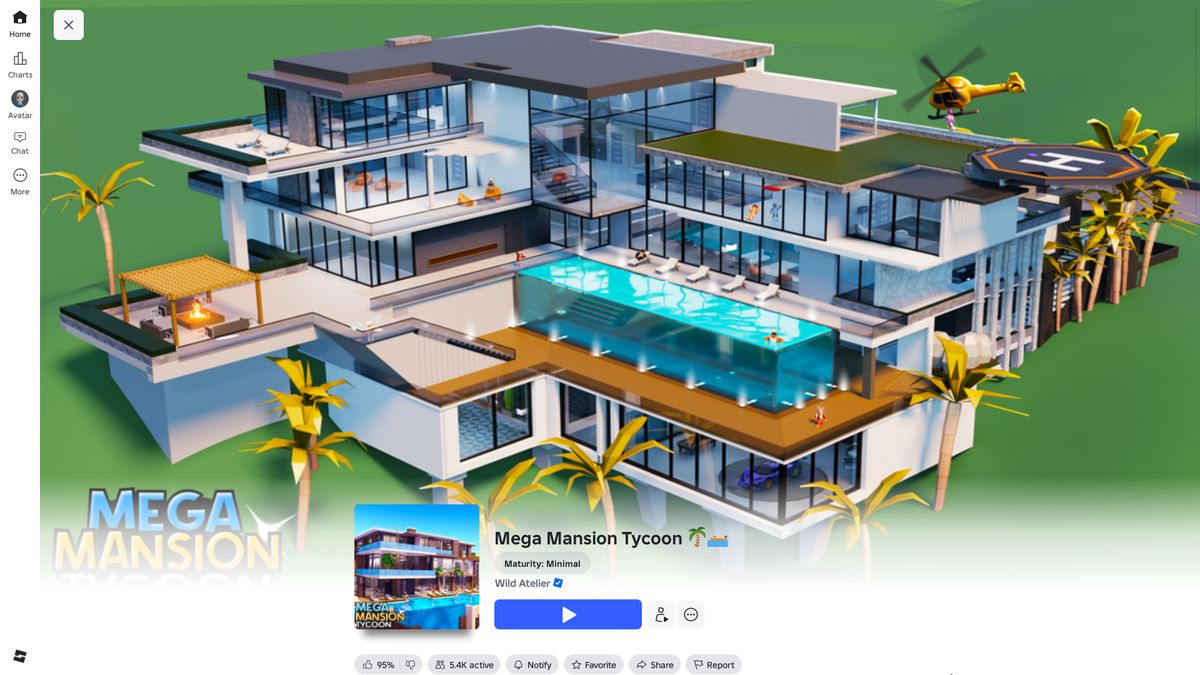
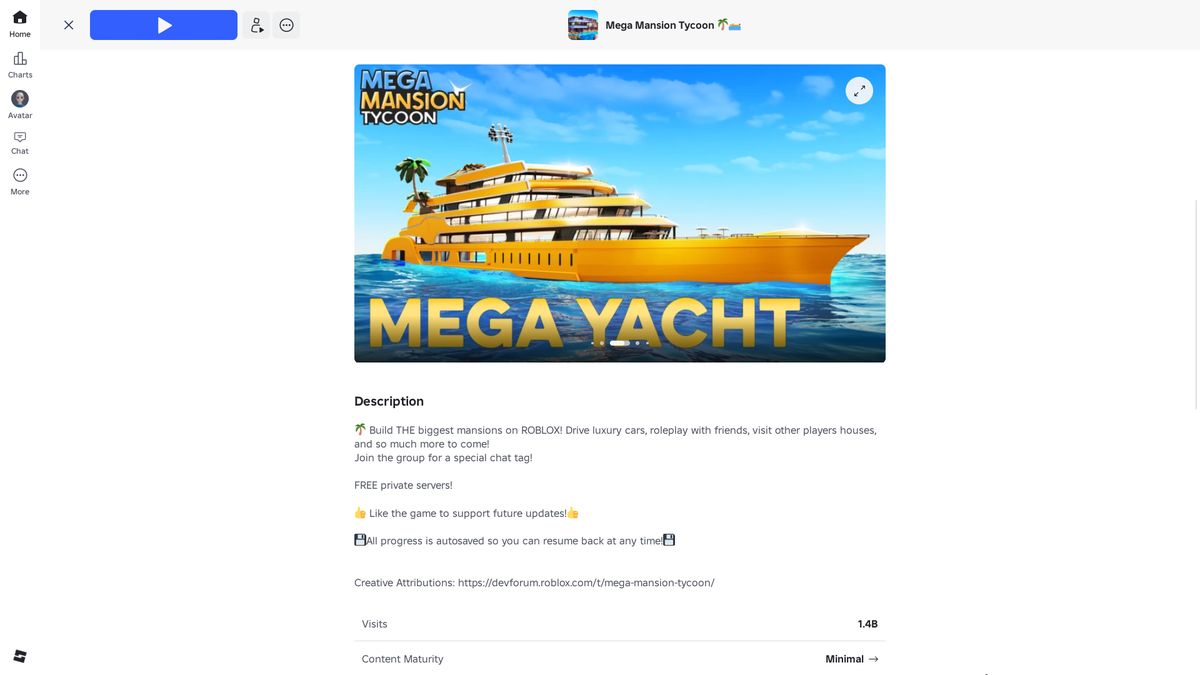
Playthrough from Entry to 12%
The main path is presented in the order in which systems unlock and construction costs increase.
Entry: Reward, Plot, and Starting Cash
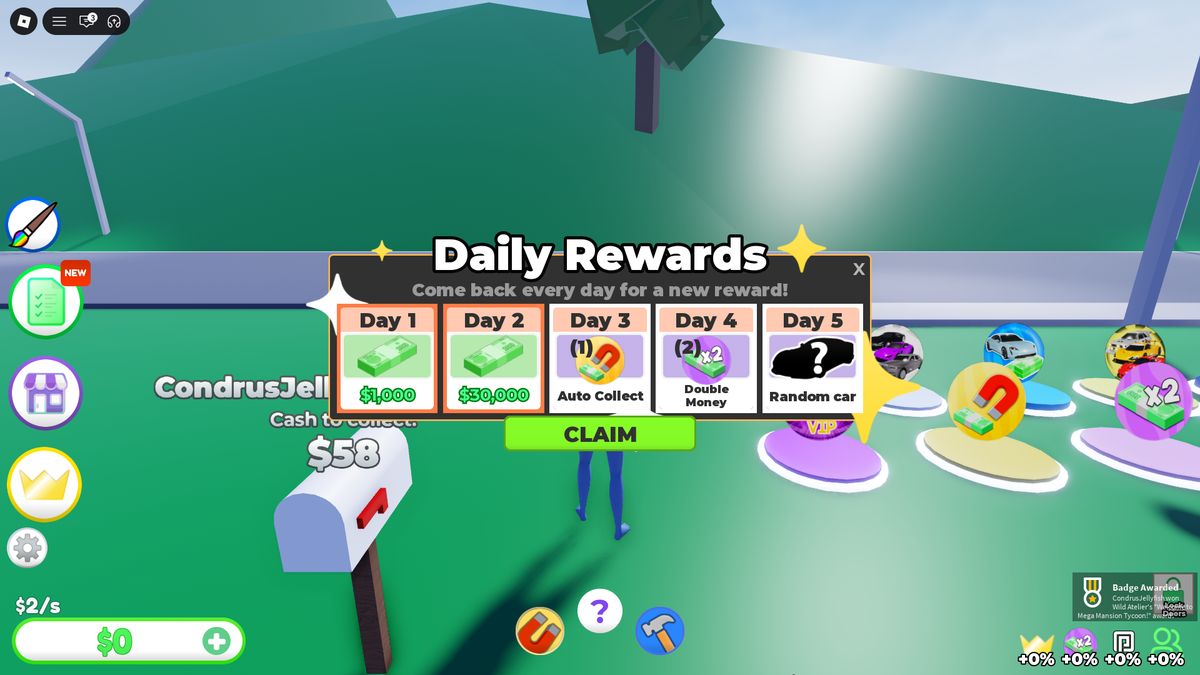
After a short load, the player appears on an empty plot. Daily Rewards opens first over the game world. The track contains five days: Day 1 — $1,000; Day 2 — $30,000; Day 3 — Auto Collect; Day 4 — two Double Money boosts; Day 5 — a random car. The first two days immediately provide $31,000, so early construction requires no waiting.
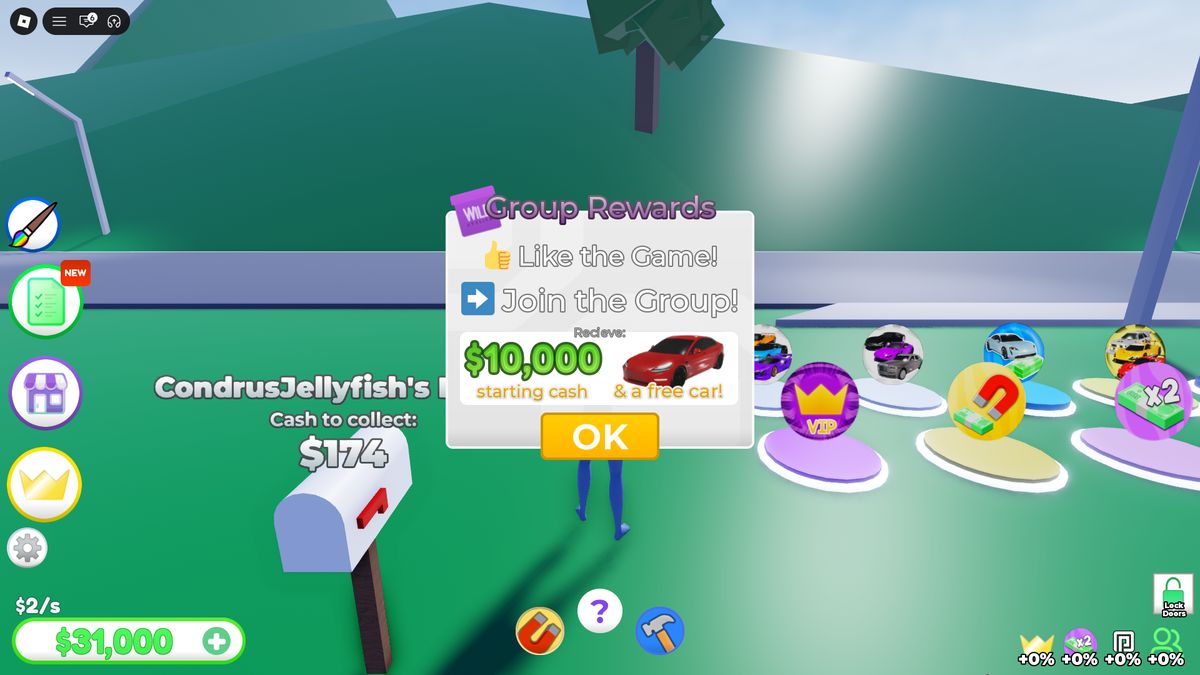
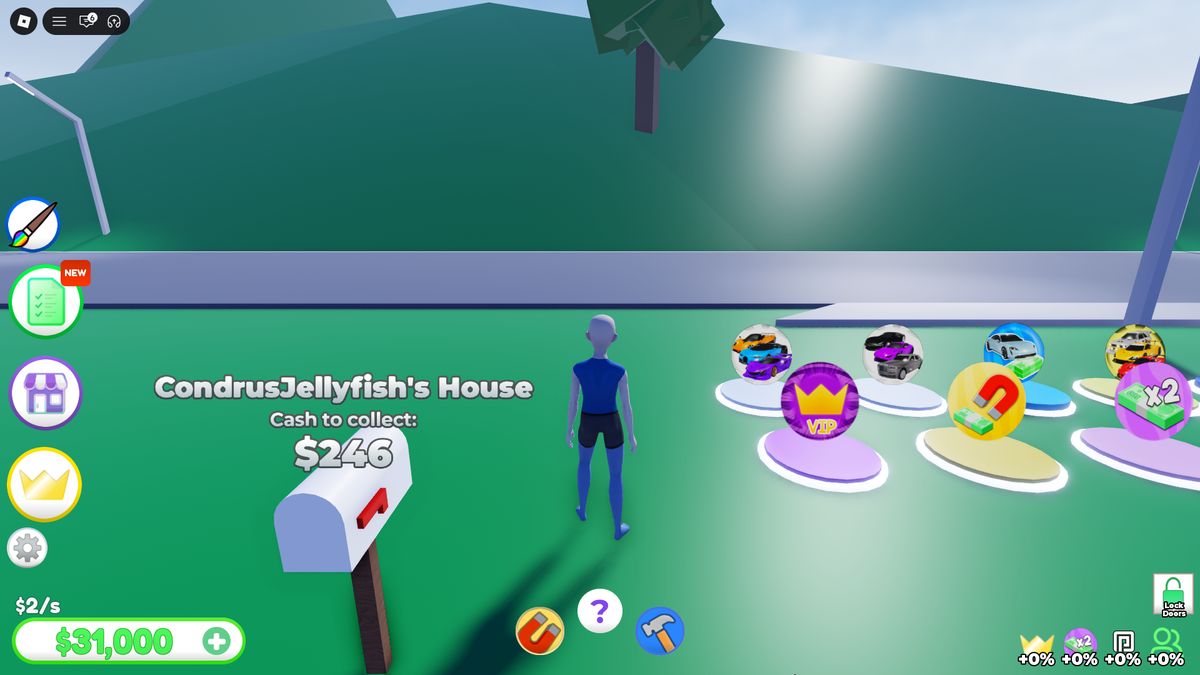
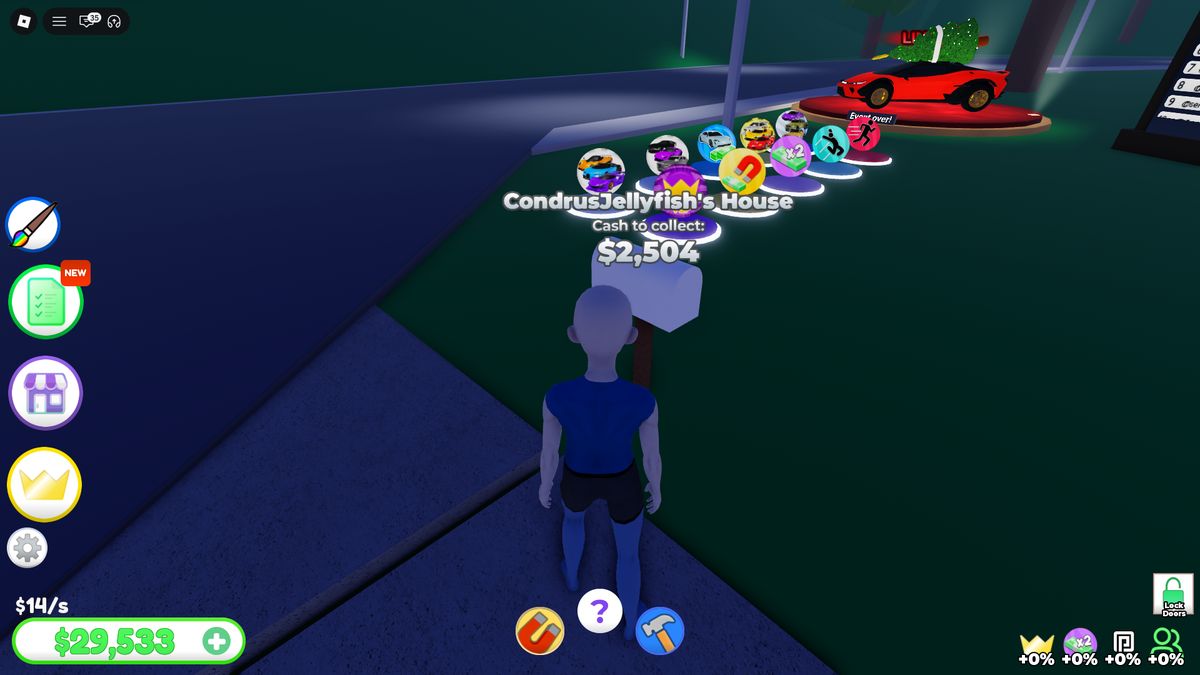
Group Rewards appears next: Like + Join the Group → $10,000 and a free car. A mailbox near the plot already holds accumulated income. Touching it transfers the full amount to the wallet and resets the local pool.
First Construction Loop
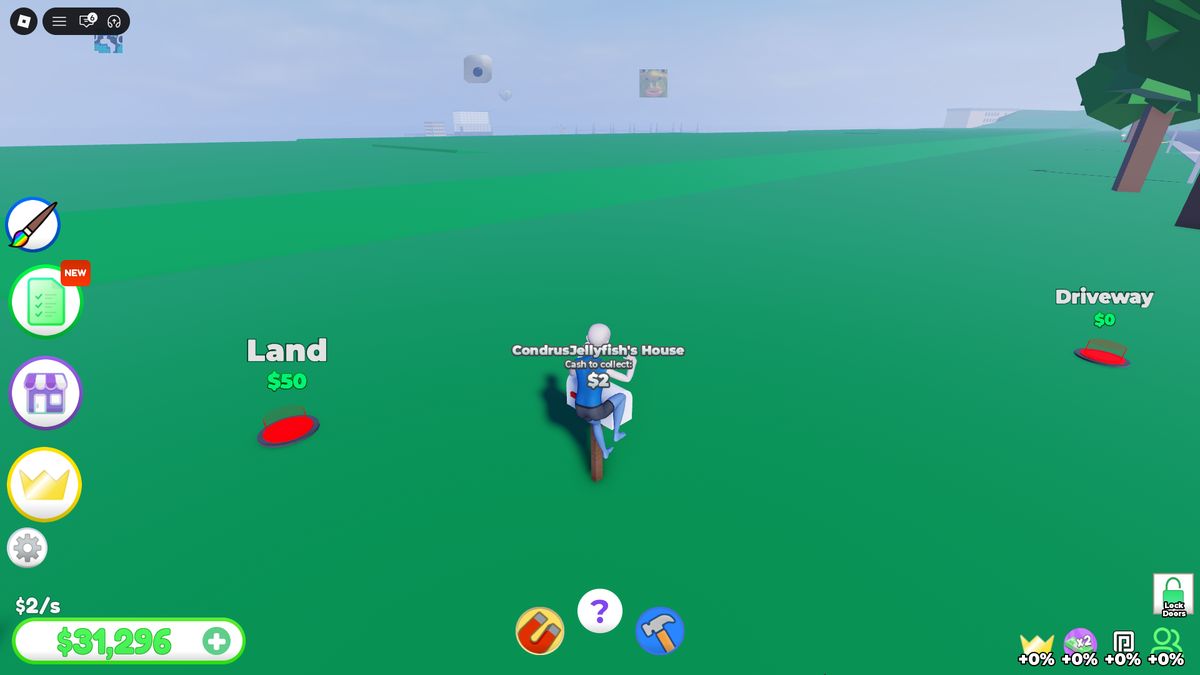
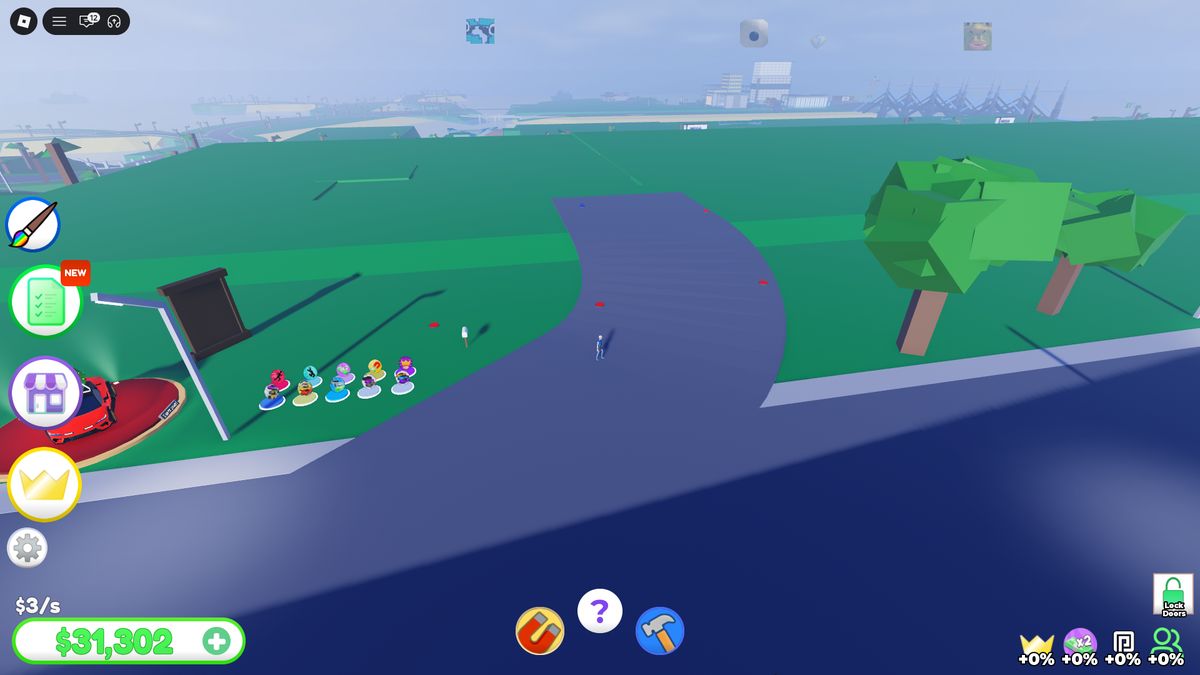
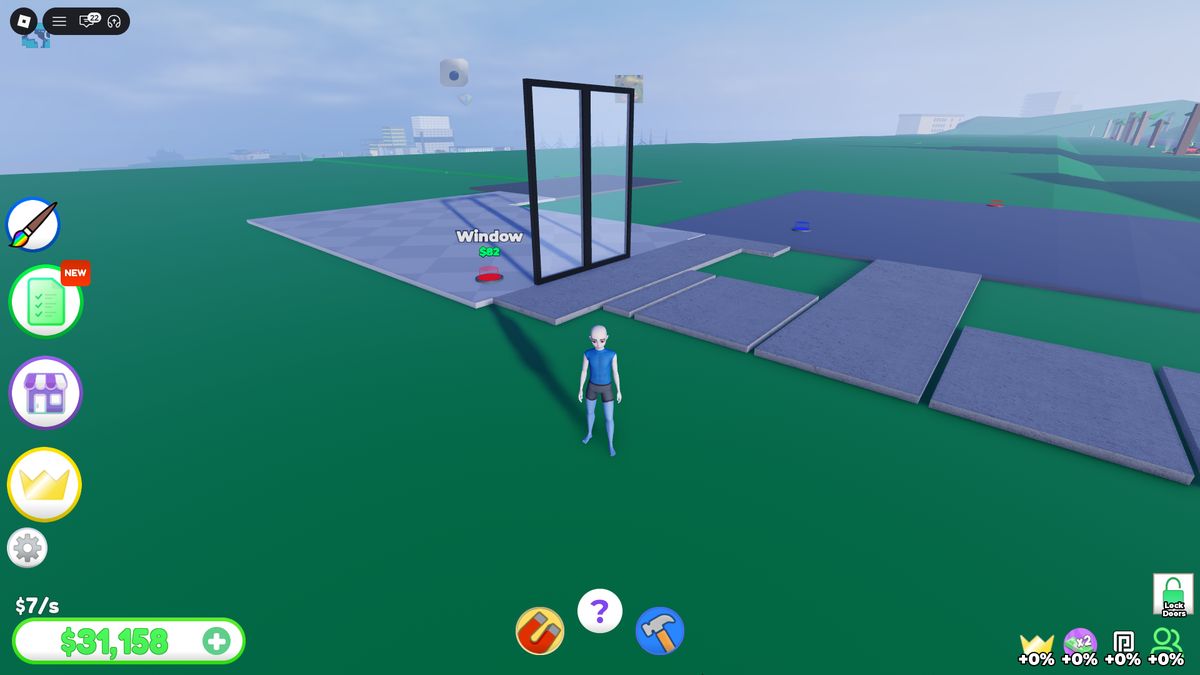
There is no separate tutorial dialog on the plot. Labels above circular buttons define the route: object name and price. Driveway for $0 creates the first road and increases income from $2/s to $3/s. Child buttons appear after a purchase, forming a directed construction graph.
Starting chain: Driveway $0 → Land $50 → Path $13 → Floor $28 → Door $53 → Window $82 → Window $121 → Wall $496 → Floor $216 → Window $164 → Wall $330 → Wall Panel $216 → Window $272. Income reaches $15/s by the final button.
Paint, Route Hint, and Automation
Paint opens a bottom palette with arrows and circular swatches; the player selects a color and applies it to house parts. The ? button enables route guidance: a chain of purple arrows appears on the ground and points to the next purchase. Two loop accelerators sit beside it: Auto Collect with a magnet and Auto Build with a hammer.
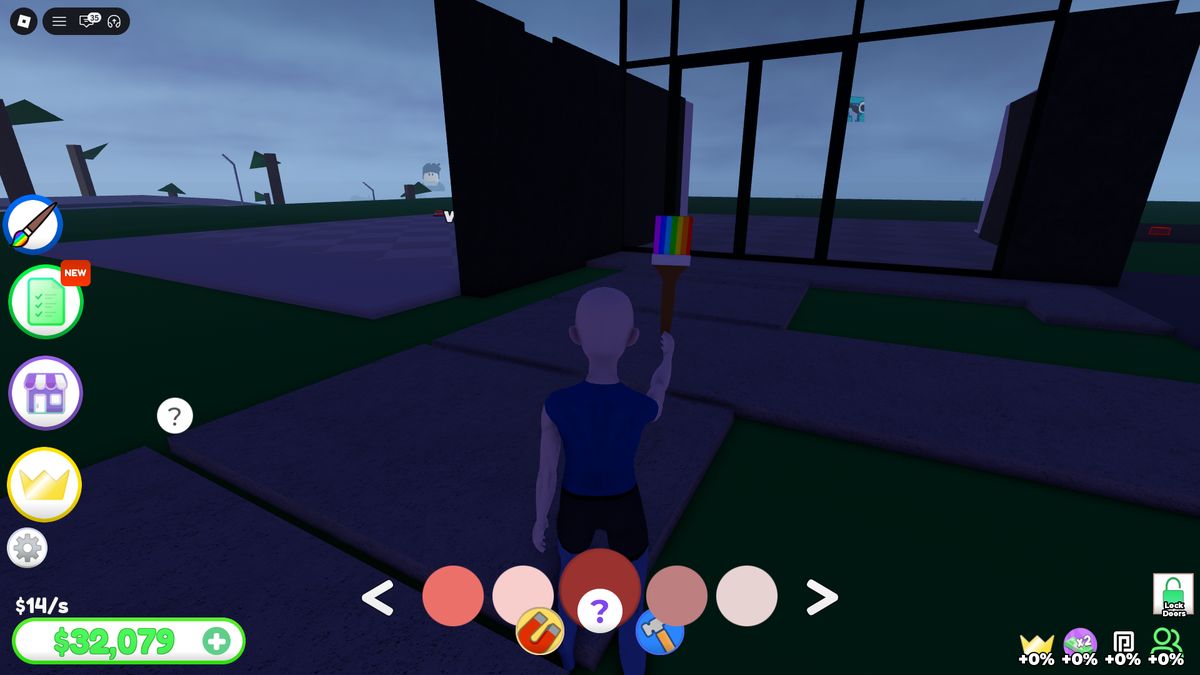
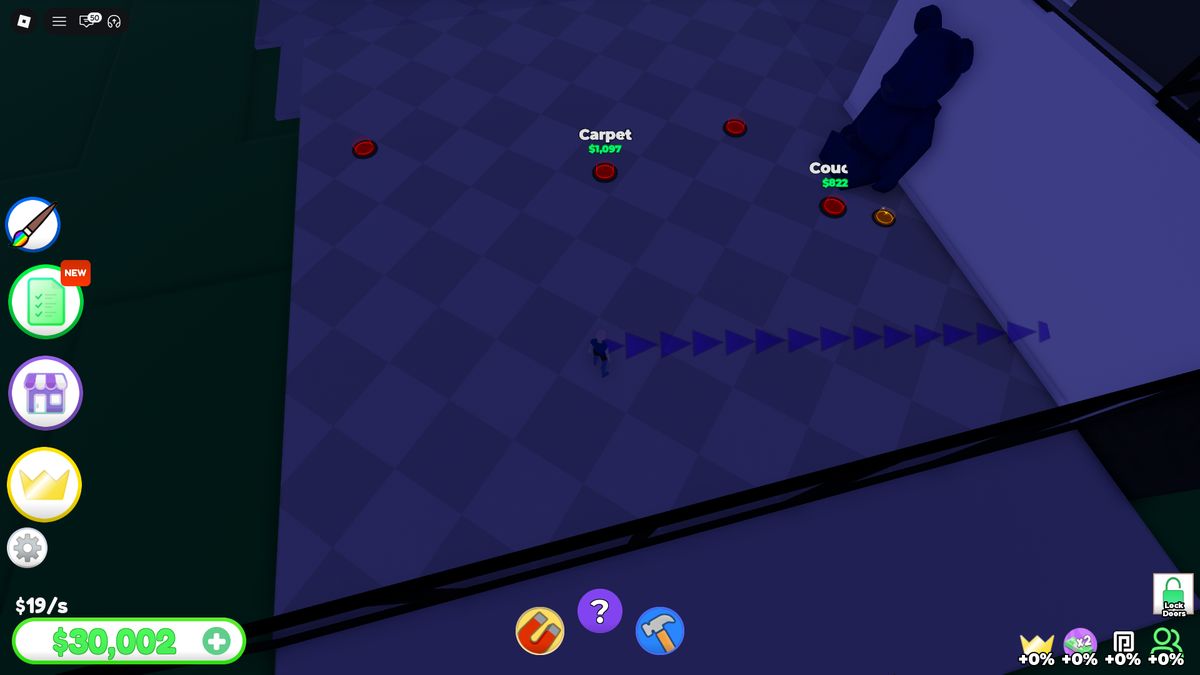
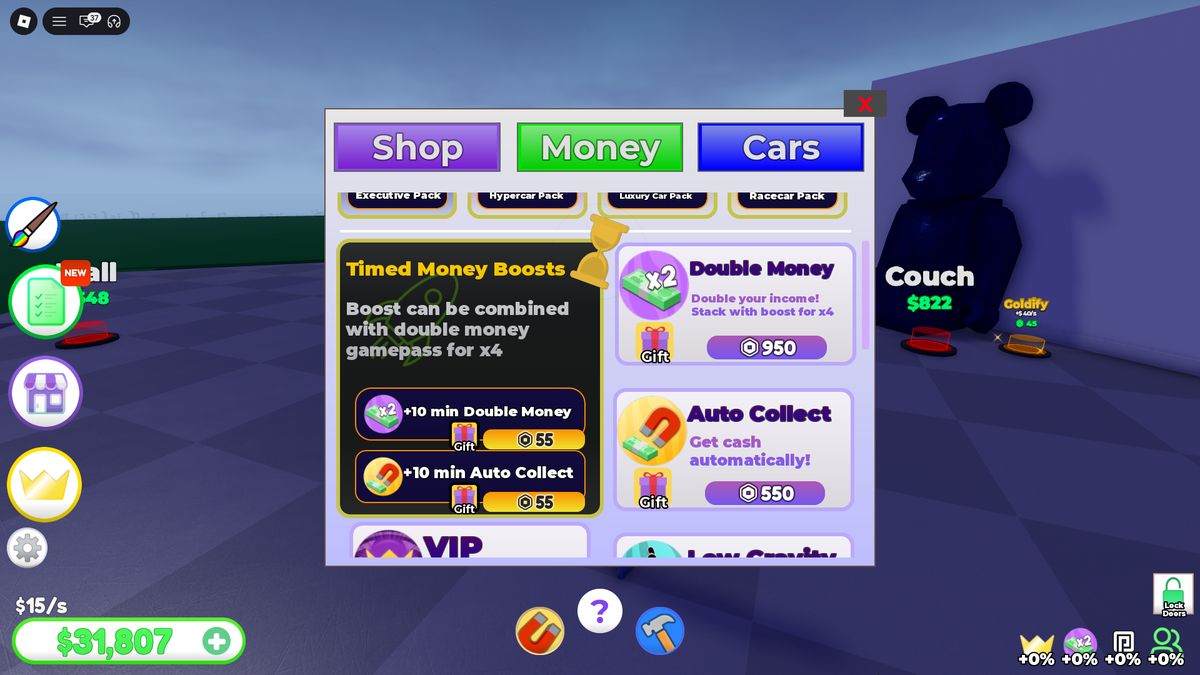
Auto Collect is sold permanently for R$550 and as a 10-minute boost for R$55. Auto Build costs R$999 and automatically activates available nodes when the player has enough cash. These products remove two manual operations repeated throughout the game: returning to the mailbox and walking between buttons.
Locations Define Macro Progression
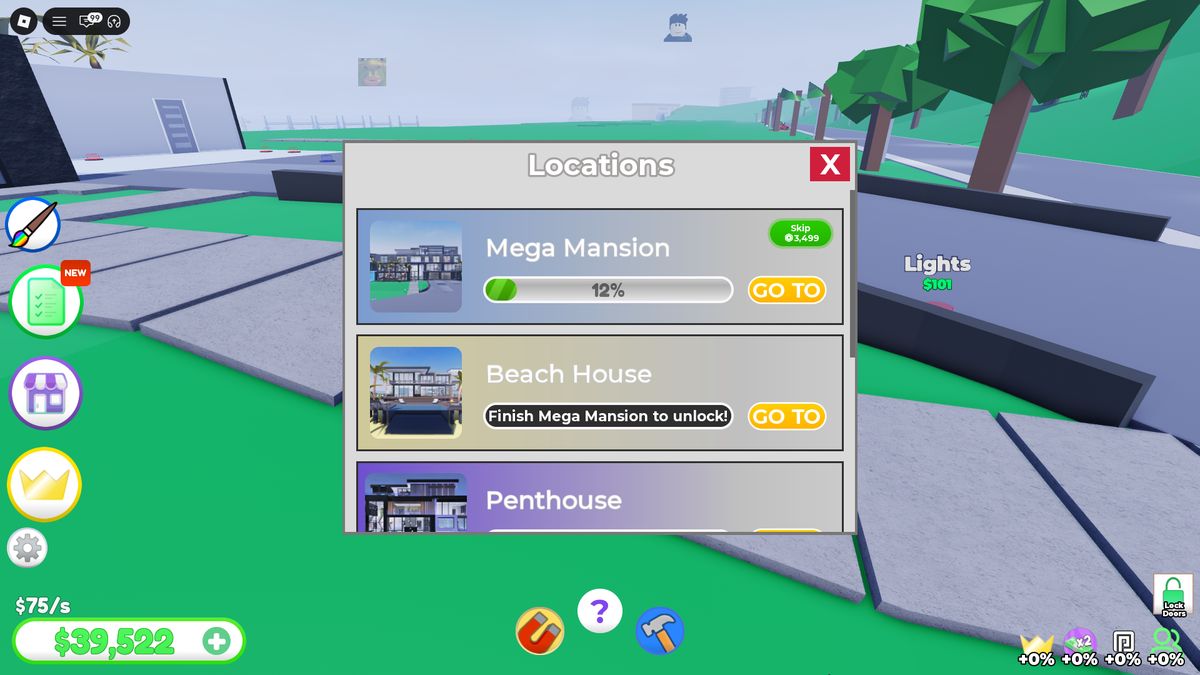
The Locations menu contains five sequential projects: Mega Mansion → Beach House → Penthouse → Tropical House → Mega Yacht. The next card remains locked until the previous one reaches 100%. GO TO returns the player to the selected plot; teleporting works after the player exits the vehicle.
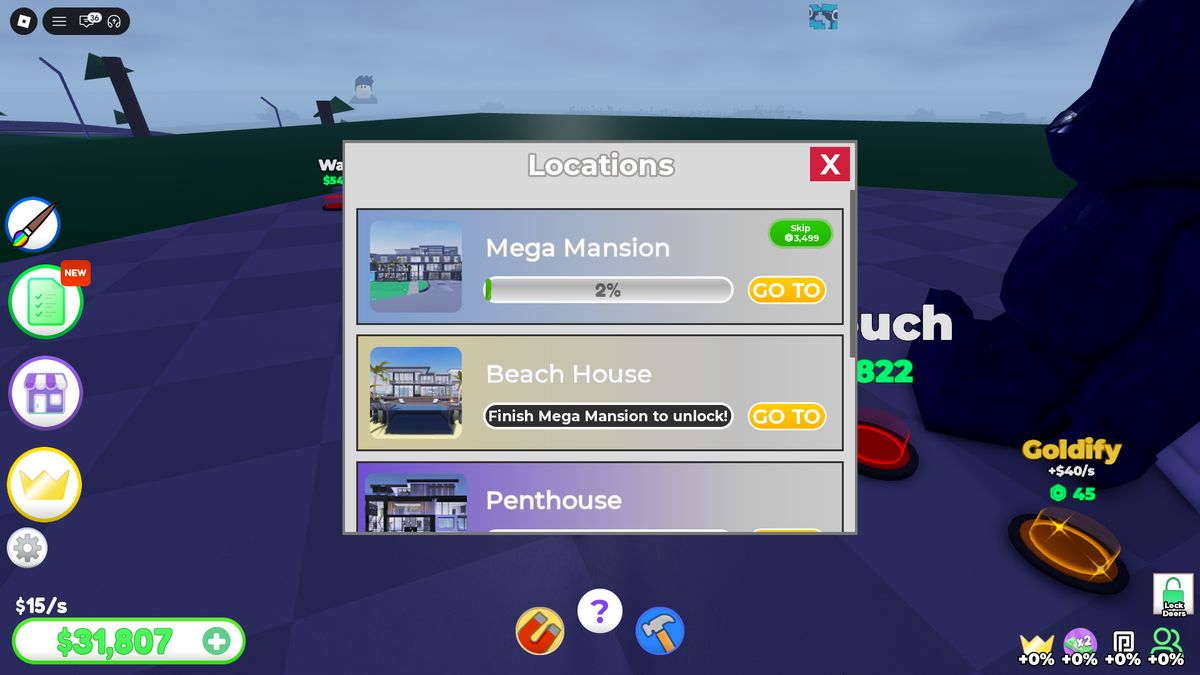
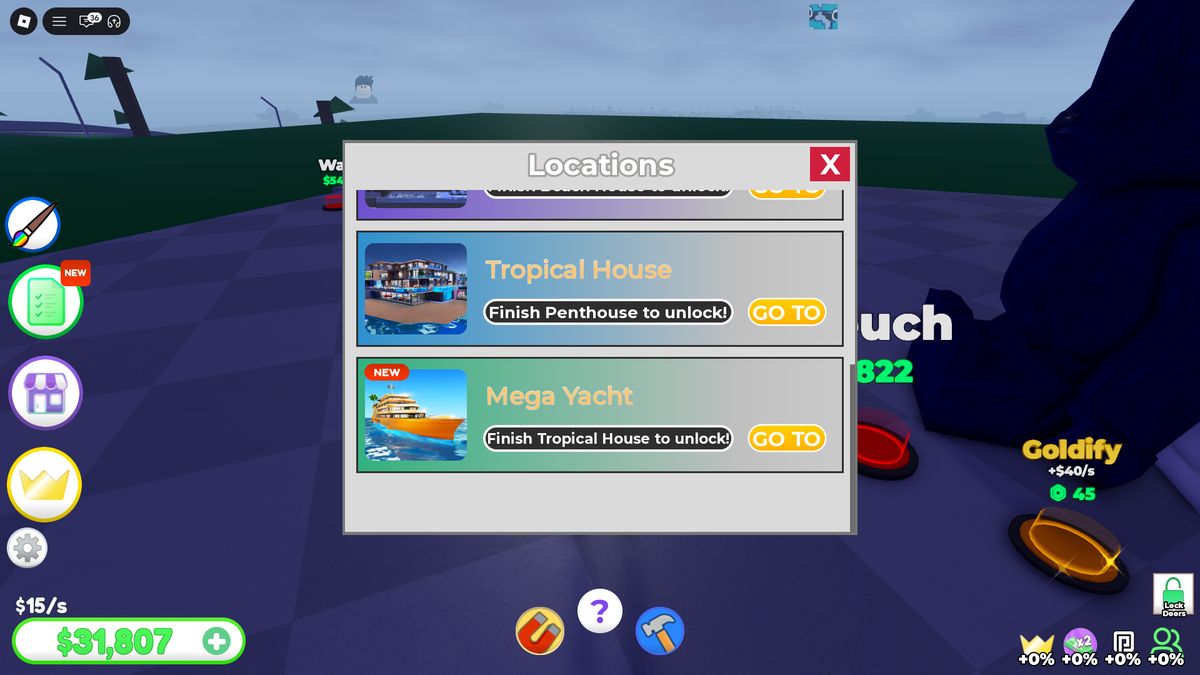
At the recorded checkpoint, Mega Mansion is 12% complete. It can be skipped for R$3,499. The percentage shows total project scope, while rooms and exterior zones provide local visual completion points within that long track.
Shop and First Car
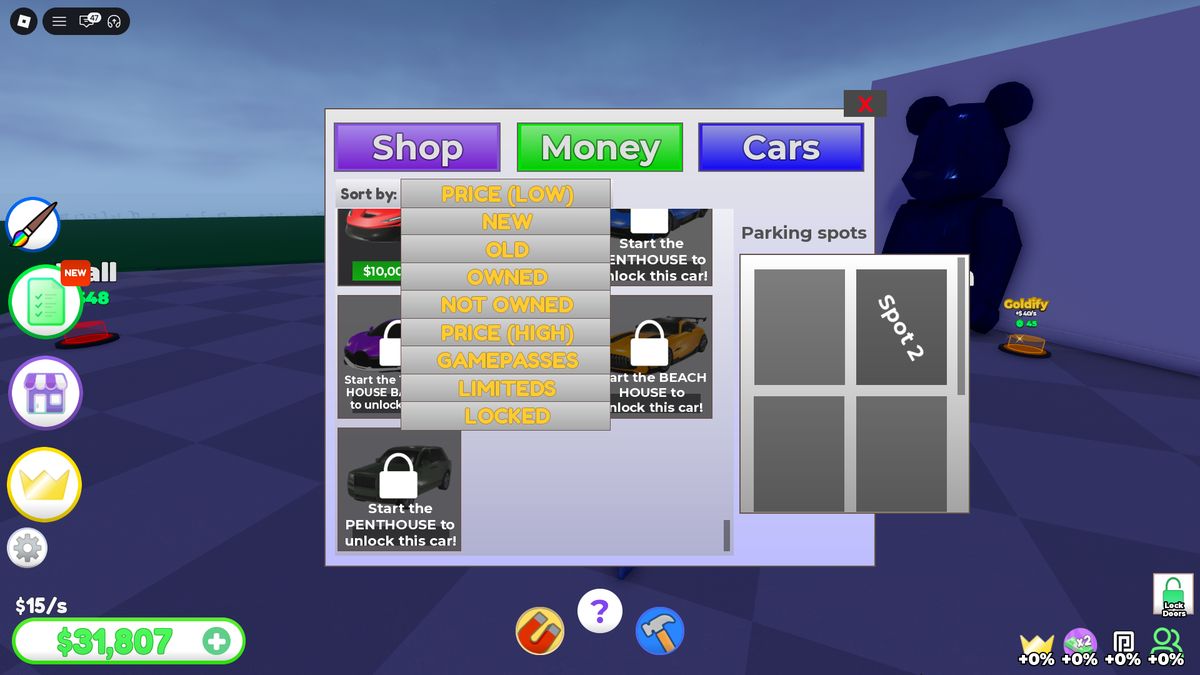
Shop is divided into three top tabs: Shop, Money, Cars. Cars shows the catalog, filter, selected vehicle, and parking-slot grid. The first car is free; after purchase, Buy changes to Spawn. A $0 Parking Spot must be built before the vehicle can appear.
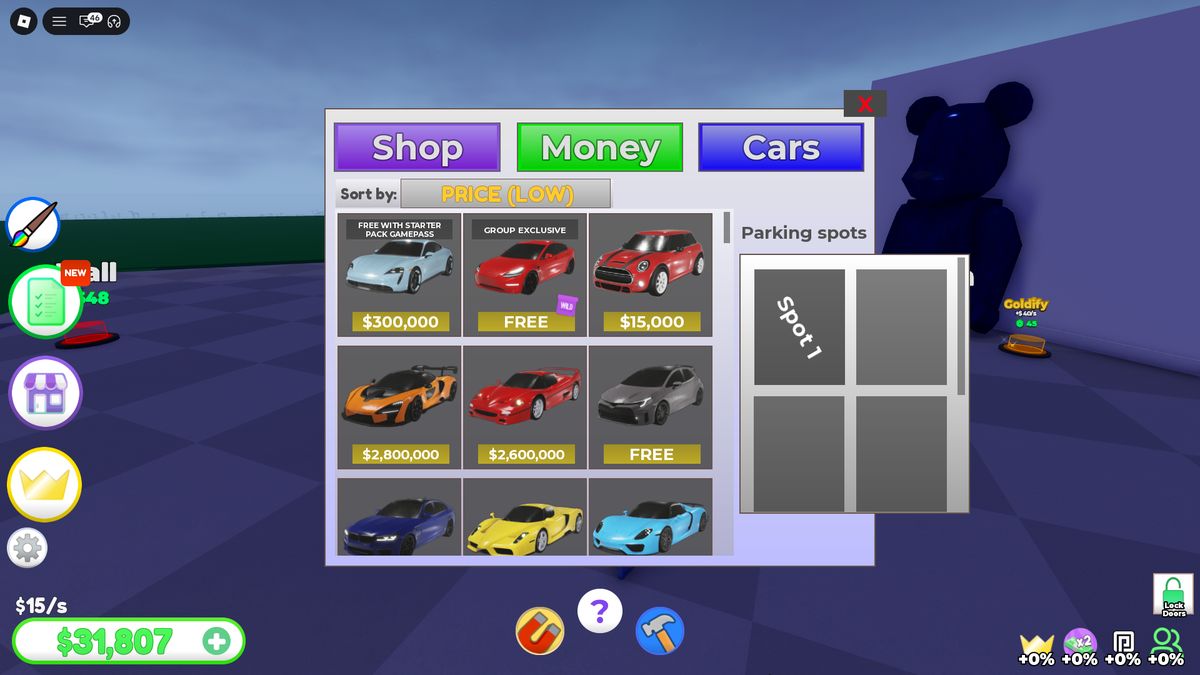
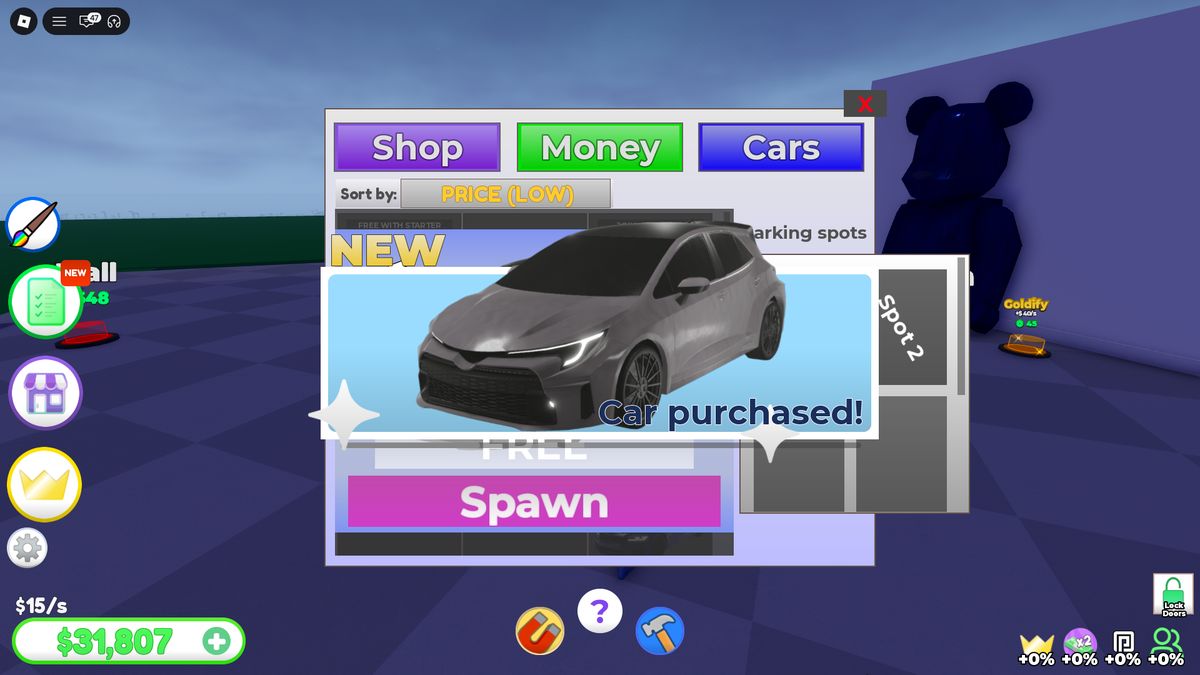
Standard cars cost from $15,000 to $10,000,000; some require a gamepass, limited availability, or another unlock condition. Filters separate New/Old and Owned/Not Owned, hide Gamepasses, Limited, and Locked items, and sort by price.
Driving, Customization, and the Social Map
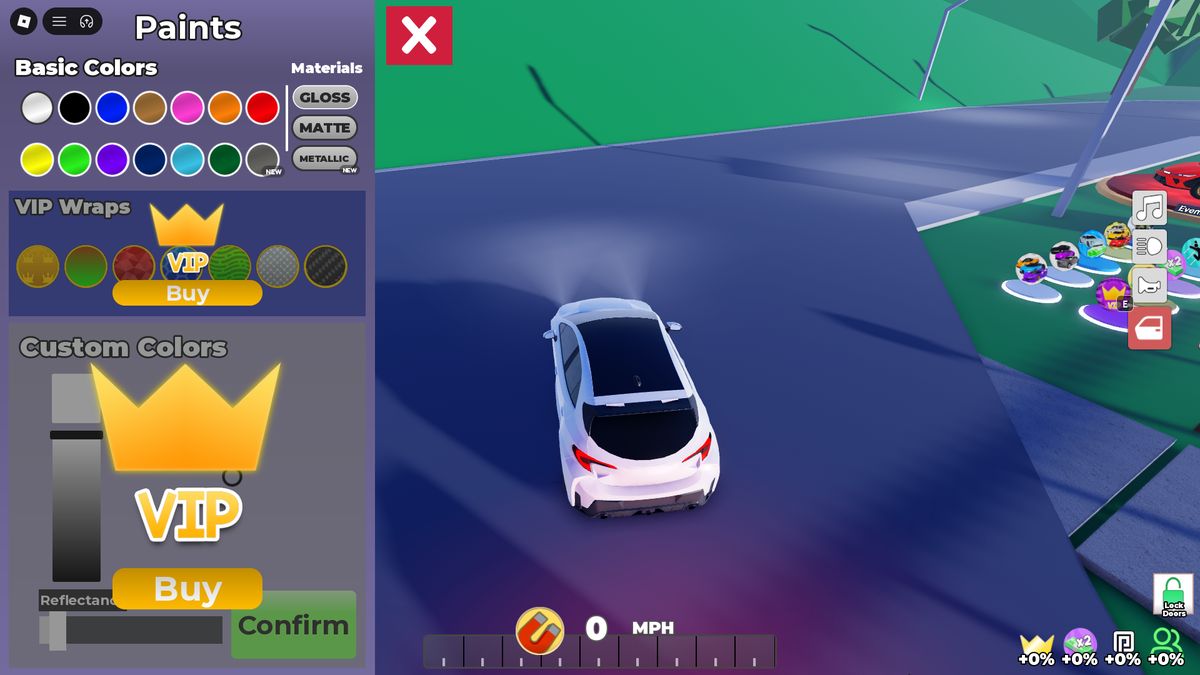
Vehicles have free Basic Colors, separate VIP Wraps, and Custom Colors. While driving, speed and gear appear at the bottom; vehicle actions, including Horn and Car Radio, appear on the right. Car Radio costs R$75.
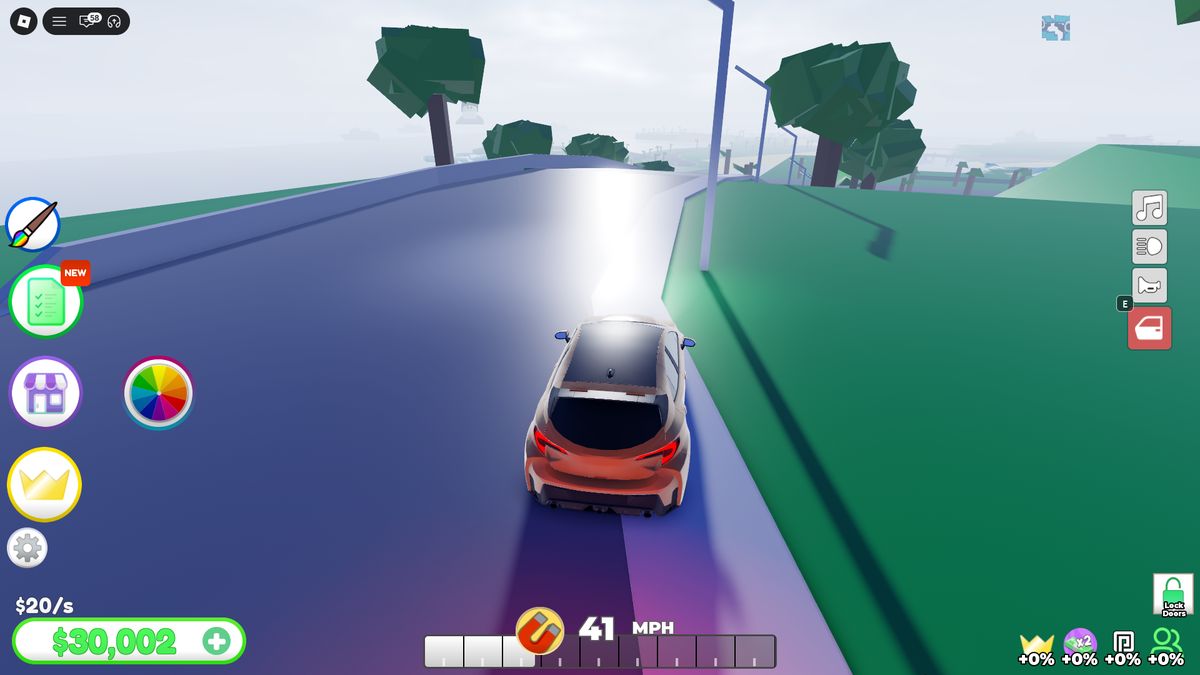
Player plots stand along a shared road and are marked by portraits in the sky. A visitor can drive over, enter another house, and use open interactive objects, but the owner’s construction buttons do not respond. Lock Doors on the HUD closes or opens the owner’s house to other players.
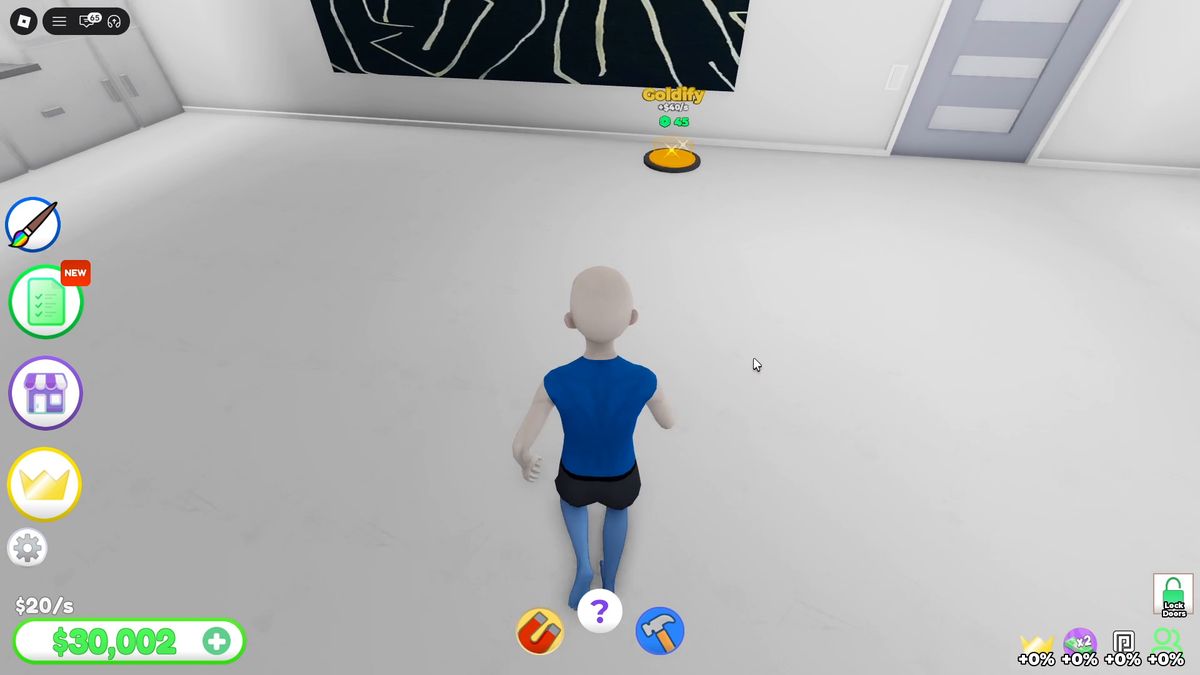
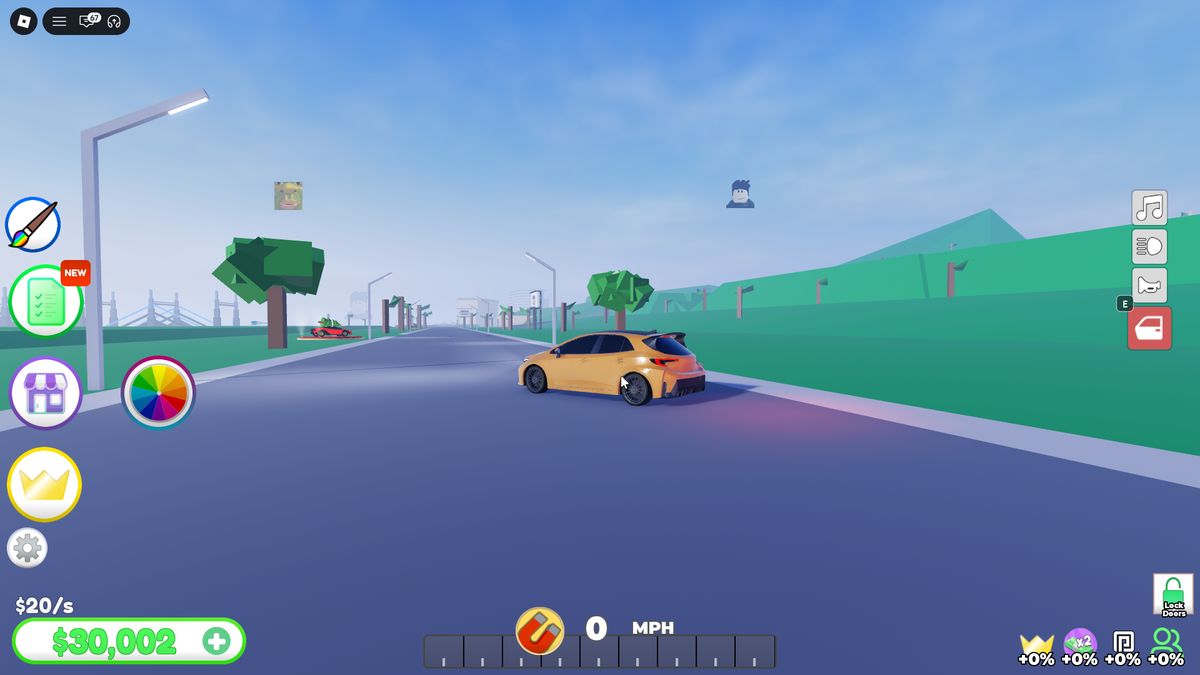
Spending Accumulated Cash: Rooms, Bowling, and Tennis
After returning to the plot, a balance of about $50,000 quickly turns into a sequence of purchases. Walls, doors, lighting, and the bathroom are completed first. The living room, bowling room, and outdoor tennis court follow. Income rises in steps: $20/s → $32/s → $36/s → $43/s → $46/s → $55/s → $58/s → $74/s → $75/s.
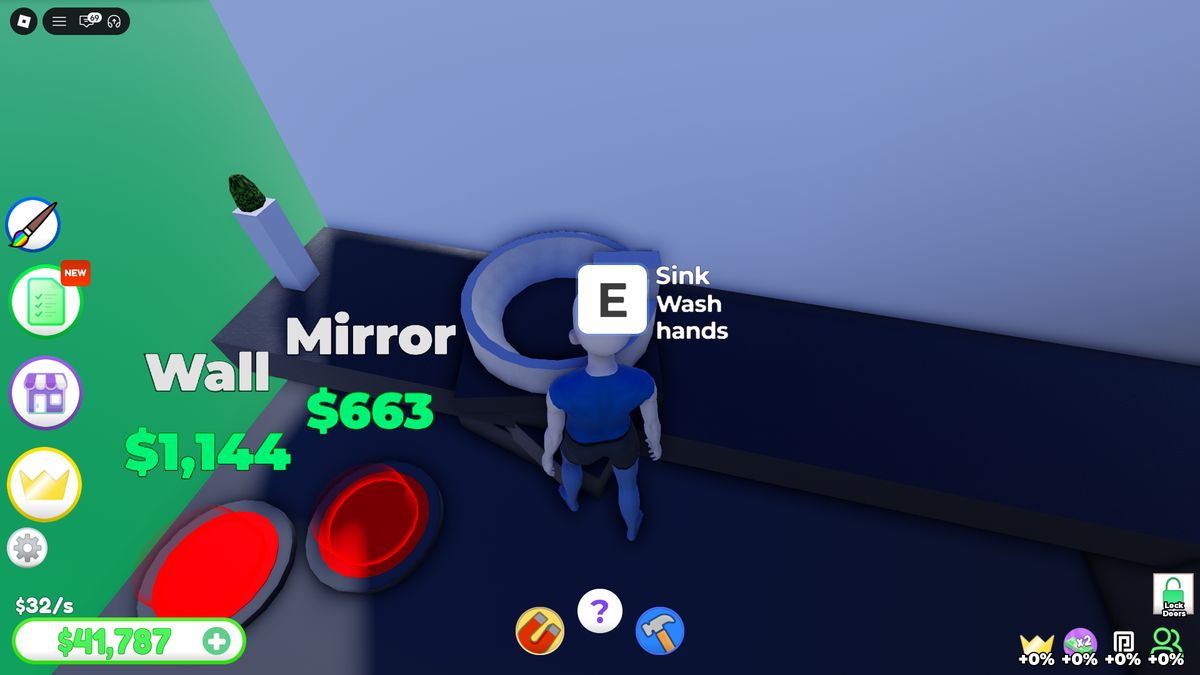
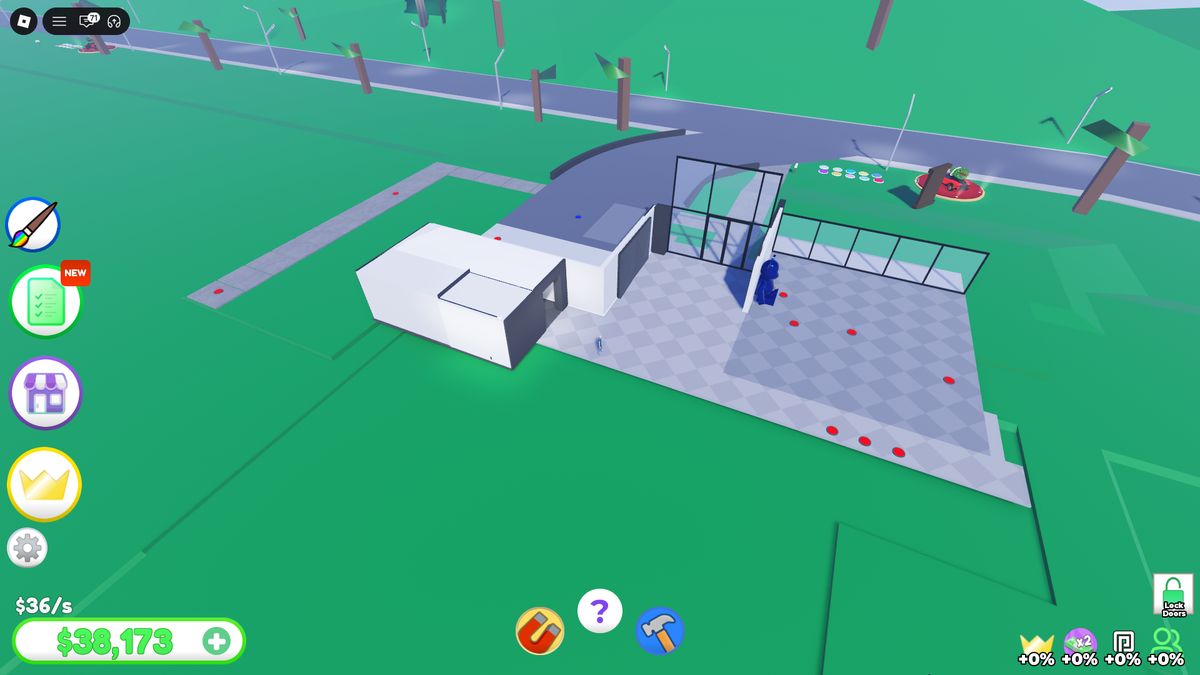
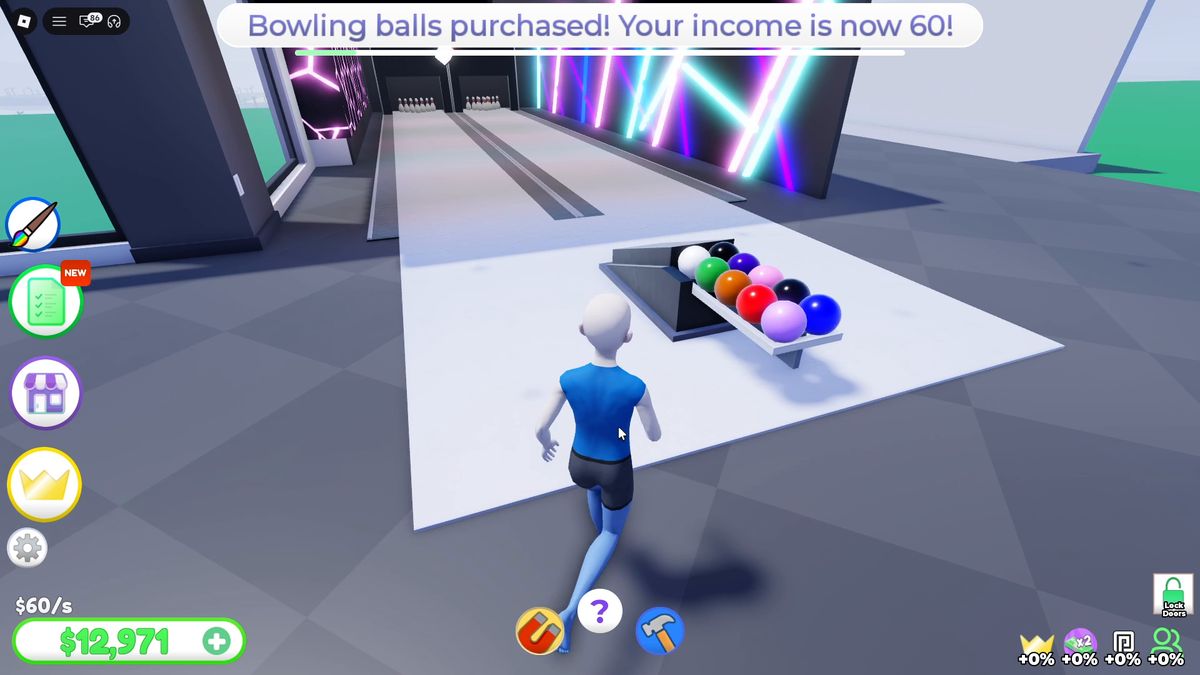
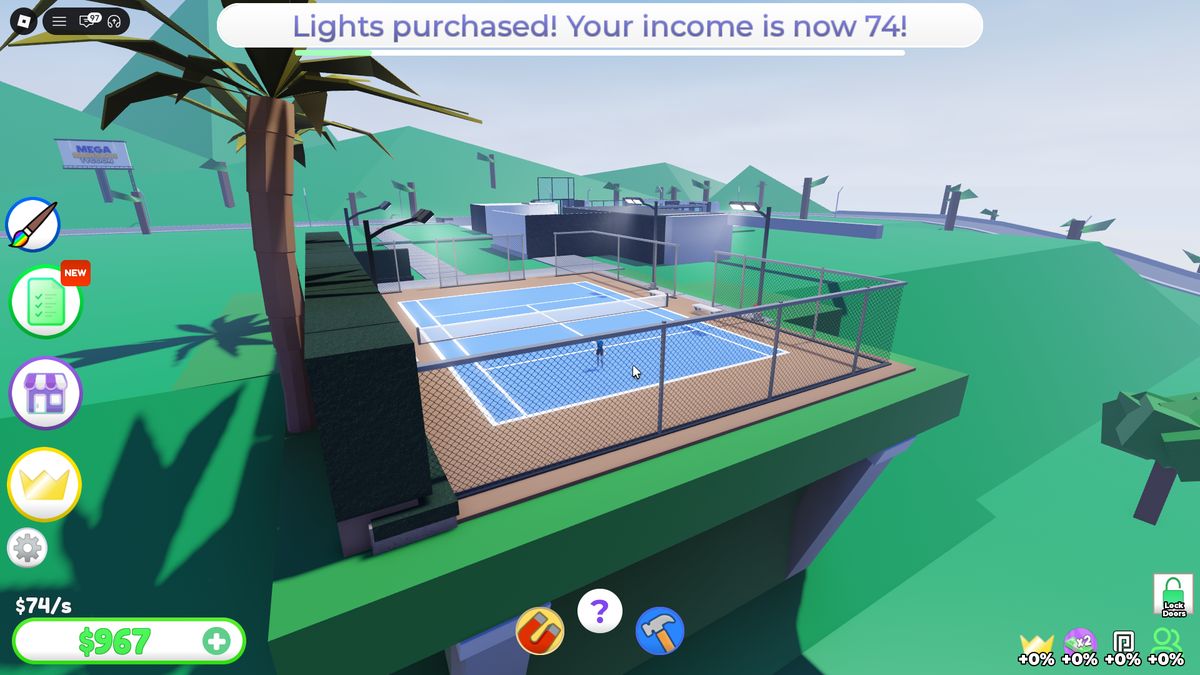
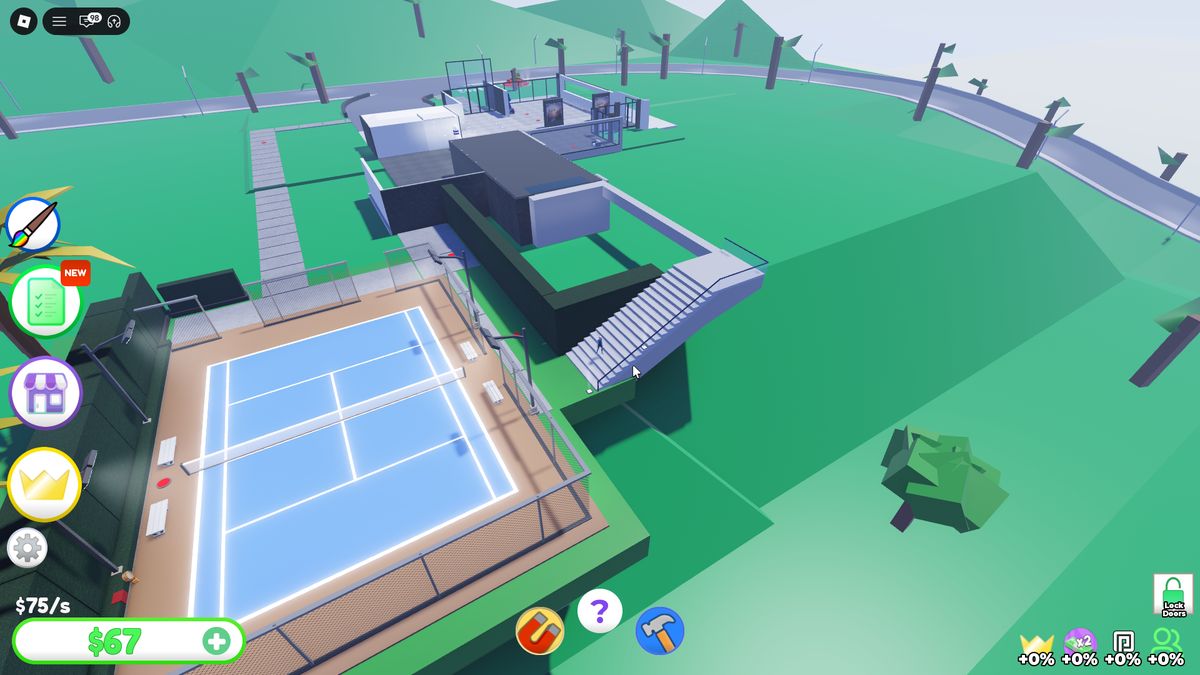
After spending, the wallet drops to $67, while income has already reached $75/s. Returning to the mailbox immediately provides about $39,500, so the next construction batch begins without a long pause.
Systems and Economy
Values are listed in the order in which the player encountered them during the same session.
Complete Construction Price Order
Each row is one separate button. Objects within a phase are not grouped by matching price, preserving the actual spending rhythm.
| # | Object | Price | Result / checkpoint |
|---|---|---|---|
| Phase 1 · driveway and initial structure | |||
| 01 | Driveway | $0 | road; $2/s → $3/s |
| 02 | Land | $50 | plot expansion |
| 03 | Path | $13 | path to the house |
| 04 | Floor | $28 | first floor section |
| 05 | Door | $53 | opens automatically; income reaches $7/s |
| 06 | Window | $82 | first window |
| 07 | Window | $121 | second window |
| 08 | Wall | $496 | first high-cost step |
| 09 | Floor | $216 | floor expansion |
| 10 | Window | $164 | next facade branch |
| 11 | Wall | $330 | structure extension |
| 12 | Wall Panel | $216 | income reaches $13/s |
| 13 | Window | $272 | income reaches $15/s |
| 14 | Window | $338 | $16/s |
| 15 | Window | $480 | next available button |
| 16 | Window | $488 | next available button |
| 17 | Window | $571 | income reaches $19/s |
| 18 | Parking Spot | $0 | spawns the purchased car; $20/s |
| Phase 2 · main volume and bathroom | |||
| 19 | Driveway Wall | $30 | left side of the driveway |
| 20 | Driveway Wall | $60 | right side of the driveway |
| 21 | Path | $200 | path to the new volume |
| 22 | Floor | $433 | room floor |
| 23 | Wall | $272 | wall |
| 24 | Door | $338 | door |
| 25 | Lights | $3,052 | lighting; major price jump |
| 26 | Wall | $1,695 | income reaches $25/s |
| 27 | Door | $480 | door |
| 28 | Wall | $818 | wall |
| 29 | Wall | $888 | wall |
| 30 | Sink | $571 | unlocks Wash hands |
| 31 | Mirror | $663 | bathroom mirror |
| 32 | Wall | $1,144 | closes the bathroom wall |
| 33 | Toilet | $663 | toilet |
| 34 | Lights | $1,144 | lighting + room completion; $36/s |
| Phase 3 · living room and interior room network | |||
| 35 | Wall | $296 | new branch |
| 36 | Floor | $1,646 | floor |
| 37 | Wall | $1,922 | wall |
| 38 | Wall | $338 | wall |
| 39 | Door | $408 | door |
| 40 | Door | $1,695 | high-cost door |
| 41 | Floor | $408 | floor |
| 42 | Door | $818 | income reaches $43/s |
| 43 | Wall | $488 | wall |
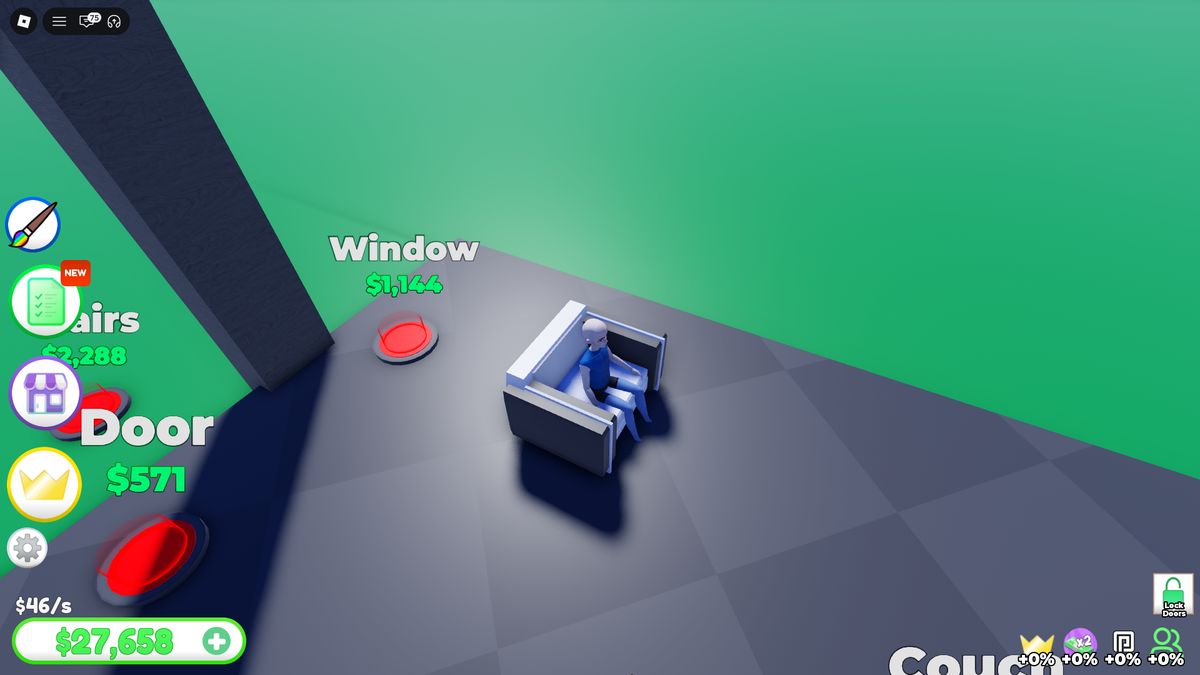
| 44 | Couch | $678 | unlocks Sit |
| 45 | Door | $571 | income reaches $46/s |
| 46 | Wall | $548 | wall |
| 47 | Windows | $1,144 | windows |
| 48 | Wall | $1,357 | wall |
| 49 | Windows | $818 | windows |
| 50 | Wall | $408 | wall |
| 51 | Windows | $4,088 | highest-priced standard button in this stage |
| 52 | Wall | $2,035 | wall |
| 53 | Wall | $408 | income reaches $55/s |
| Phase 4 · bowling room | |||
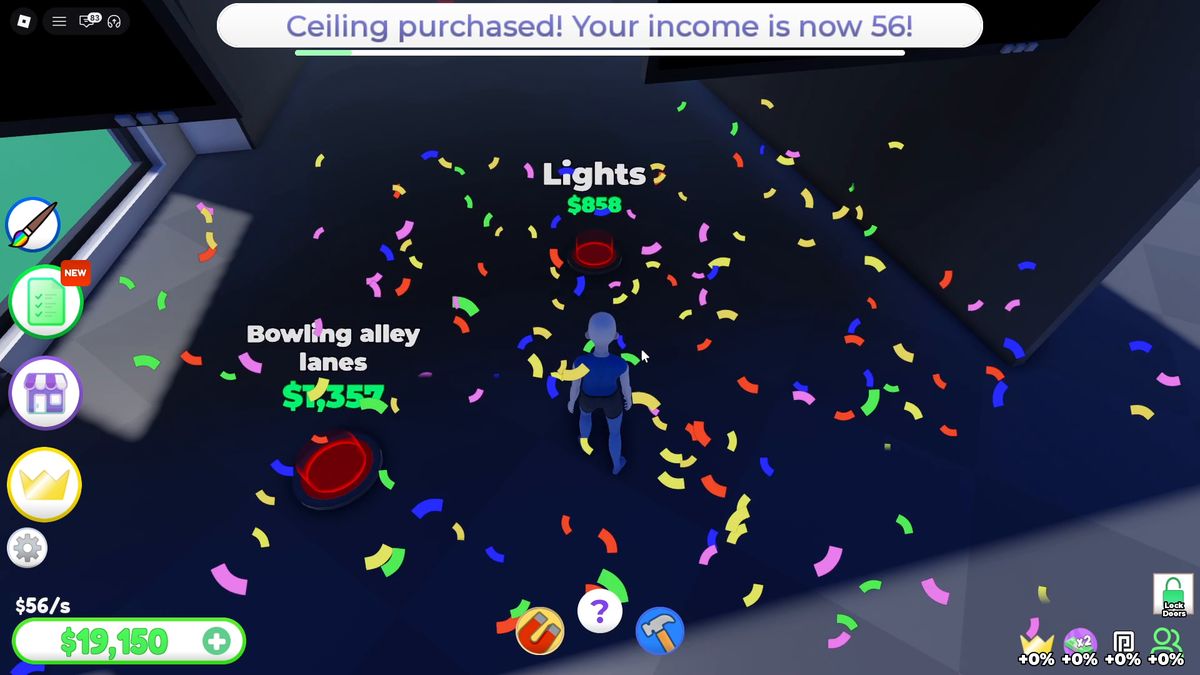
| 54 | Ceiling | $731 | ceiling + confetti |
| 55 | Lights | $858 | neon lighting |
| 56 | Bowling Alley | $3,393 | lanes |
| 57 | Bowling Balls | $571 | ball rack |
| 58 | Bowling Statue | $1,144 | decoration; income reaches $58/s |
| Phase 5 · outdoor tennis court and second floor | |||
| 59 | Path | $660 | approach to the area |
| 60 | Ground | $720 | base surface |
| 61 | Path | $720 | second path |
| 62 | Fence | $780 | fence |
| 63 | Fence | $840 | fence |
| 64 | Court | $840 | court surface |
| 65 | Fence | $840 | fence |
| 66 | Benches | $900 | benches |
| 67 | Net | $900 | net |
| 68 | Benches | $900 | second bench group |
| 69 | Rackets | $900 | rackets |
| 70 | Fence | $900 | final section |
| 71 | Lights | $960 | court complete; $74/s |
| 72 | Staircase | $900 | unlocks the second floor; $75/s |
Next unavailable node: an additional Parking Spot for $100,000. It separates the free base vehicle slot from collection expansion.
How Prices Form the Economic Curve
$0–$571 · fast start
The first 24 buttons provide frequent purchases. The starting $31,000 covers this segment completely, allowing the player to learn the system without waiting.
$663–$1,922 · room pace
One room costs several thousand, but each mailbox collection funds a full sequence of objects. Low-cost doors and walls break up the larger deductions.
$2,035–$4,088 · visual completion
Large costs are attached to Lights, Windows, and Bowling Alley. They complete a visible volume, so the higher price produces a stronger result.
Income curve: $2/s on the empty plot → $15/s after the first facade → $20/s before the main sequence → $36/s after the bathroom → $58/s after bowling → $75/s after the court and staircase. Rising prices are offset by income accumulating separately from the wallet while the player drives or inspects menus.
Mailbox and Automation
Passive income does not enter the wallet directly. It accumulates on a physical plot object, creating a required route: build → run out of cash → return to the mailbox → collect → continue. The distance becomes more noticeable as the house expands. This friction is where Extra Speed for R$49 and permanent Auto Collect for R$550 are presented.
Auto Build for R$999 removes the second repeated operation: walking between buttons. Full automation consists of two independent purchases—one moves money, while the other spends it along the node graph.
Monetization and Its Position in the Loop
Construction acceleration
- Goldify: +$40/s — R$45
- Extra Speed — R$49
- Auto Collect 10 min — R$55
- Double Money 10 min — R$55
- Auto Collect — R$550
- Double Money — R$950
- Auto Build — R$999
- Skip Mega Mansion — R$3,499
Status and vehicles
- VIP — R$400: Trail, +25% Cash Boost, expanded customization
- Luxury Car Pack — R$350
- Racecar Pack — R$400
- Hypercar Pack — R$750
- Starter Pack — R$750: $100,000 + sports sedan
- Car Radio — R$75
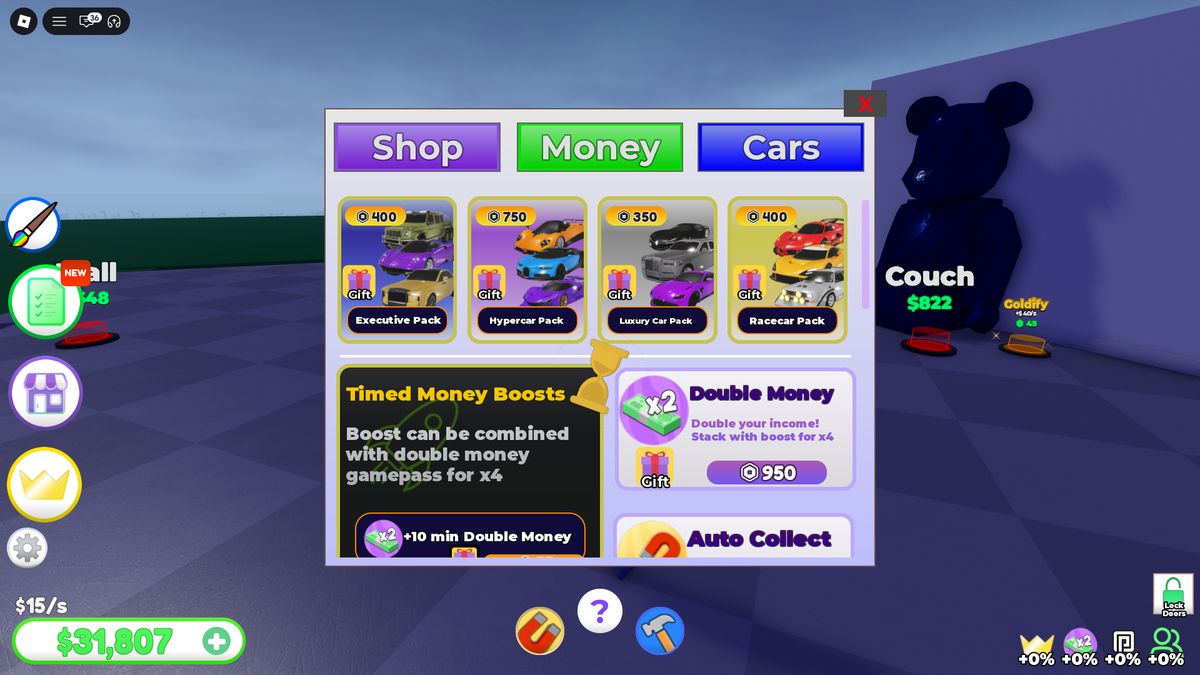
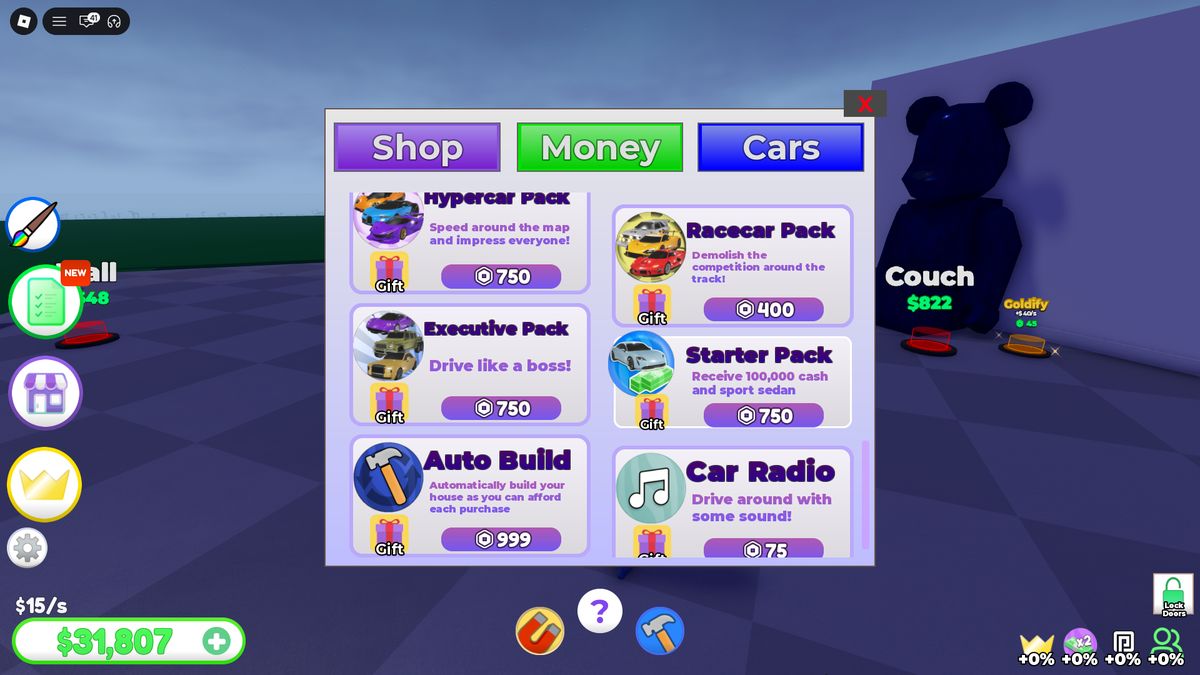
Executive Pack has inconsistent pricing: the top listing shows R$400, while the detail card shows R$750. The value should come from one product config before the store is published.
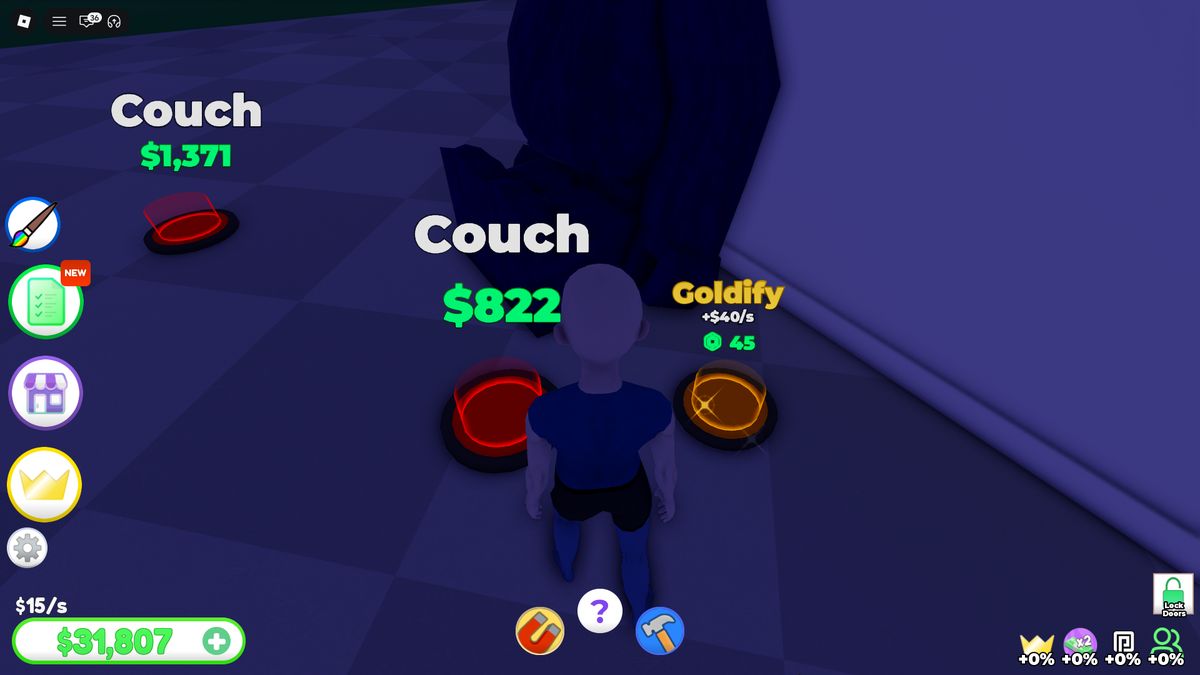
Goldify is placed directly beside construction buttons and adds +$40/s for R$45. At a base income of $15–75/s, this is stronger than dozens of standard purchases, so the product sells several minutes of progression rather than a small percentage.
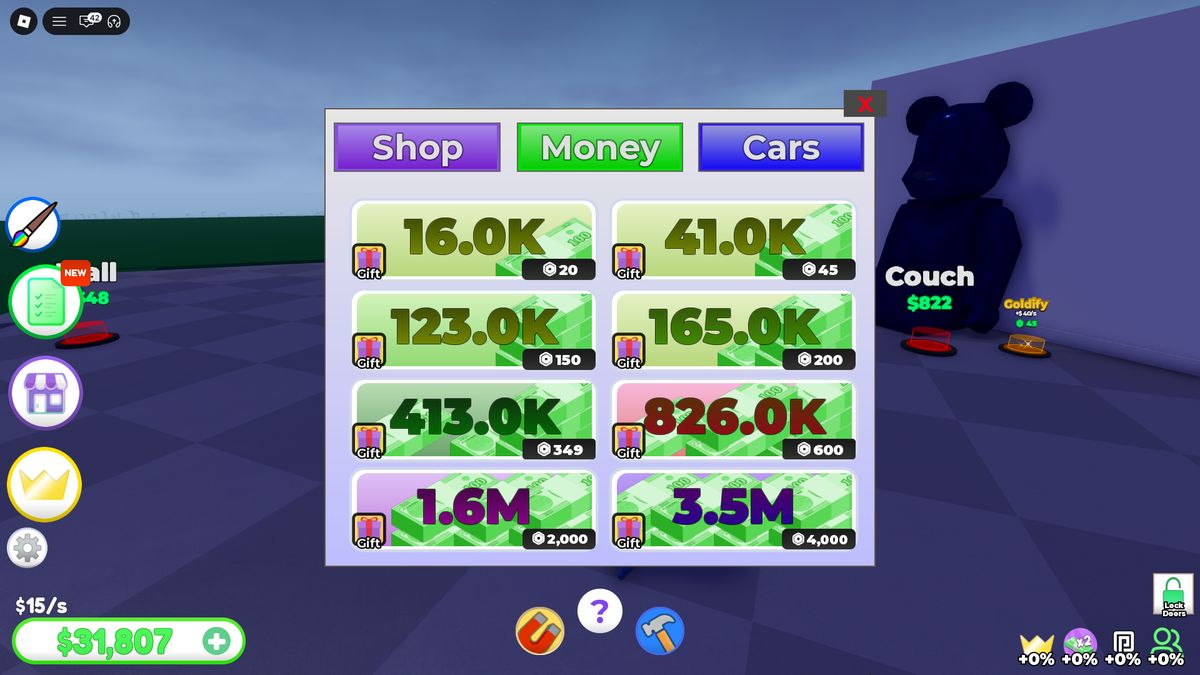
Currency Packs
| Currency | Robux | Equivalent time at the recorded $75/s income |
|---|---|---|
| $16,000 | R$20 | 3 min 33 sec of passive income |
| $41,000 | R$45 | 9 min 7 sec |
| $123,000 | R$150 | 27 min 20 sec |
| $165,000 | R$200 | 36 min 40 sec |
| $413,000 | R$349 | 1 hr 31 min 47 sec |
| $826,000 | R$600 | 3 hr 3 min 33 sec |
| $1,600,000 | R$2,000 | 5 hr 55 min 33 sec |
| $3,500,000 | R$4,000 | 12 hr 57 min 47 sec |
Retention and Social Reasons to Return
Short loop
Five-day Daily Rewards; Day 3 changes collection, Day 4 accelerates the economy, and Day 5 adds a vehicle. Rewards rotate between different types of value.
Long loop
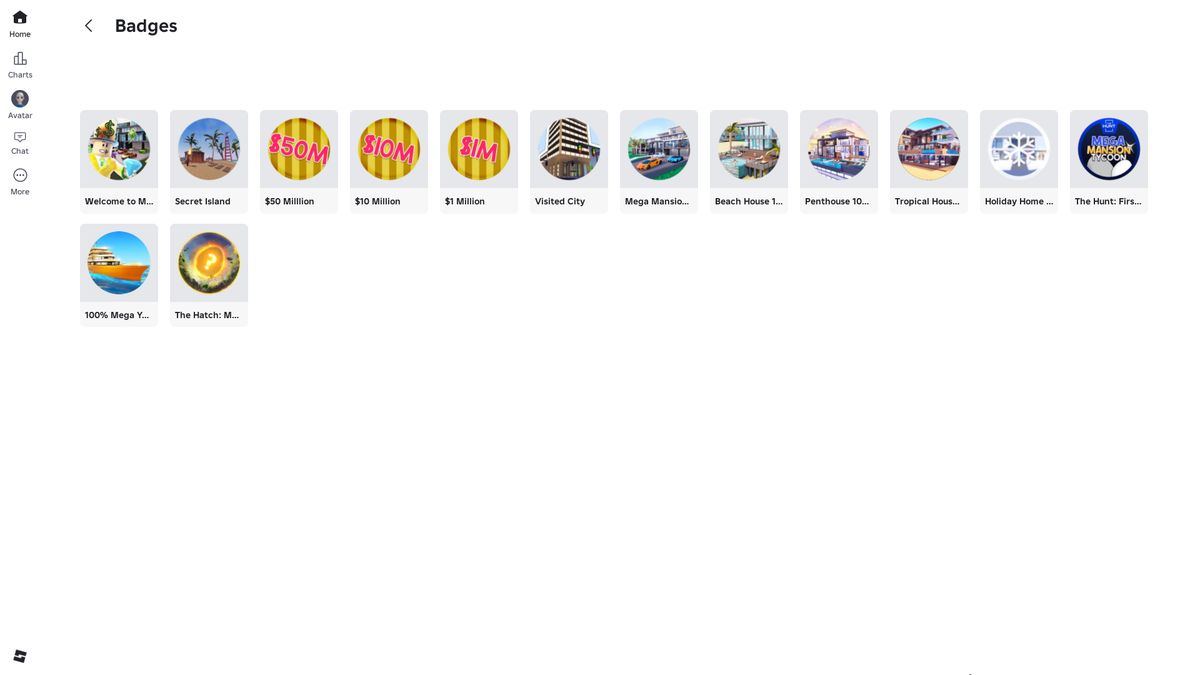
Five sequentially locked locations. Badges mark $1M, $10M, $50M, visiting the city, and completing individual houses and the yacht.
Collection
Vehicles have prices, ownership states, filters, separate parking slots, and customization. The collection remains visible in the world.
Social layer
A shared road connects the plots. Players visit one another, sit on furniture, and inspect progress; the owner controls access through Lock Doors.
HUD and Menu Structure
The interface separates persistent indicators, quick actions, and large catalogs.
Persistent HUD
Left edge
Paint → Daily Rewards with NEW → Shop → VIP → Settings. Large circular icons share one size; the order moves from routine actions to purchases and settings.
Bottom left
Income $/s sits above the balance. The balance is a white capsule with a green number and a + button leading to Money.
Bottom center
Magnet / Auto Collect → ? / Build Hint → Hammer / Auto Build. These are the three operations of the main construction loop.
Bottom right
VIP, x2 Money, other multipliers, and Friends bonuses; Lock Doors sits above them. All percentages remain visible without opening a menu.
Daily, Locations, VIP, and Settings
Daily Rewards
Horizontal five-day track, timer to the next day, separate Claim / claimed states, and Close.
Locations
Vertical card list: preview, name, progress bar or lock reason, and GO TO; the current location also has Skip.
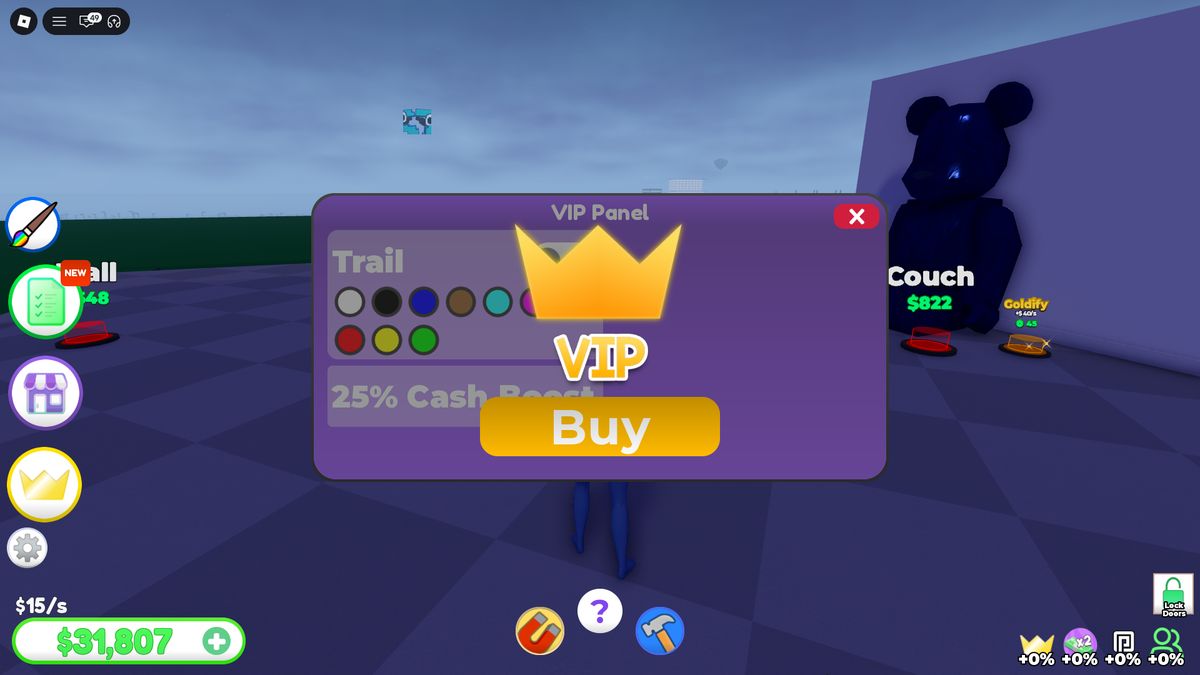
VIP Panel
Purple modal: Trail with color selection, 25% Cash Boost, a central crown, and Buy.
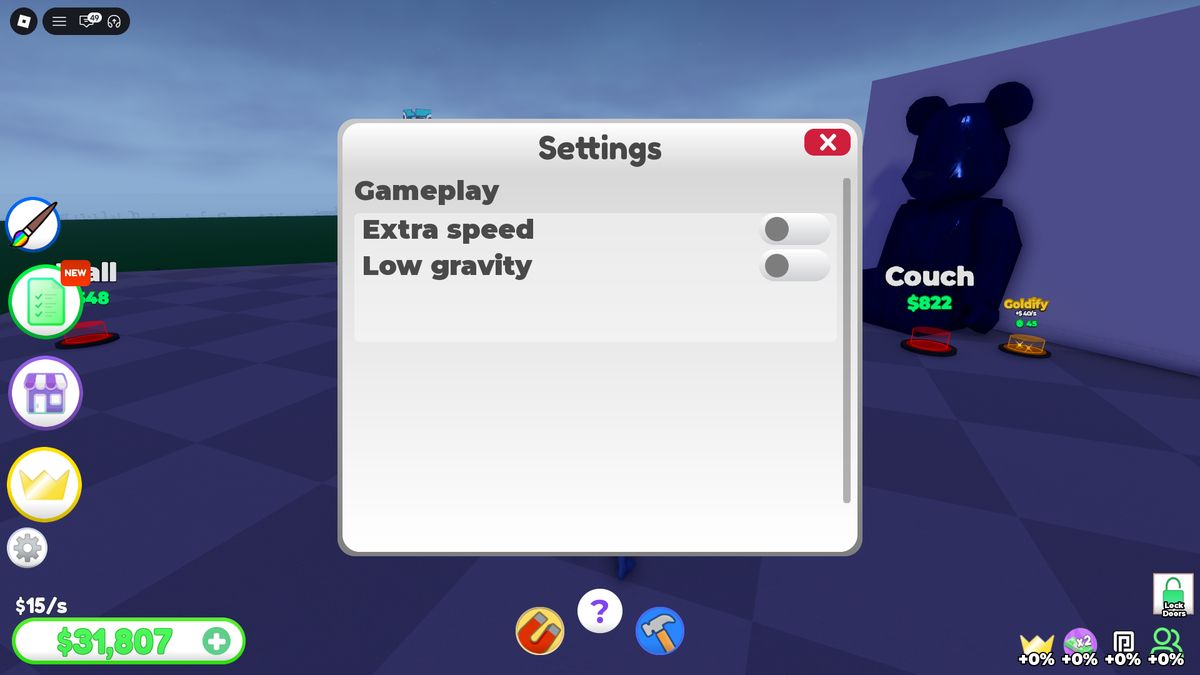
Settings
White panel with a Gameplay section and two toggles: Extra speed and Low gravity.
Shop / Money / Cars
All commercial offers are grouped in one panel with three colored tabs. Shop scrolls vertically and mixes gamepasses, timed boosts, car packs, and gifts. Money uses a 2×4 grid. Cars turns the same panel into a collection inventory.
A vehicle card contains an image, price or FREE, Buy/Spawn, and the purchased state. The catalog grid remains on the left and parking spots remain on the right. The sorting dropdown opens over the catalog without hiding the selected vehicle.
World-Space UI and System Messages
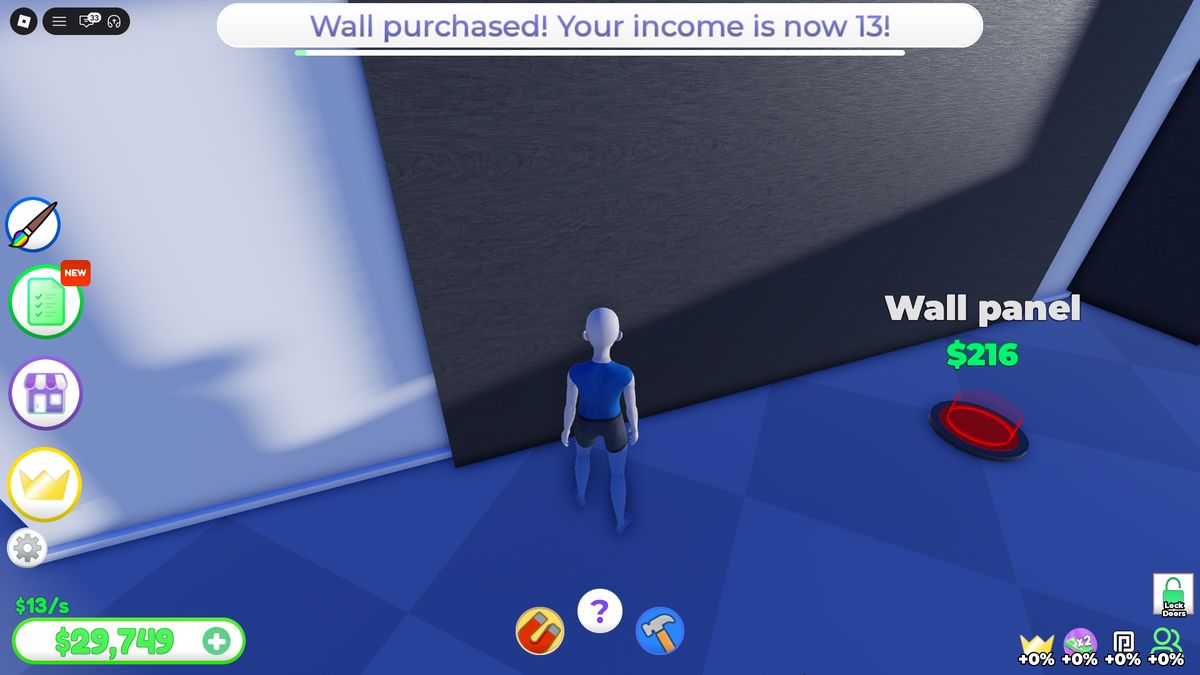
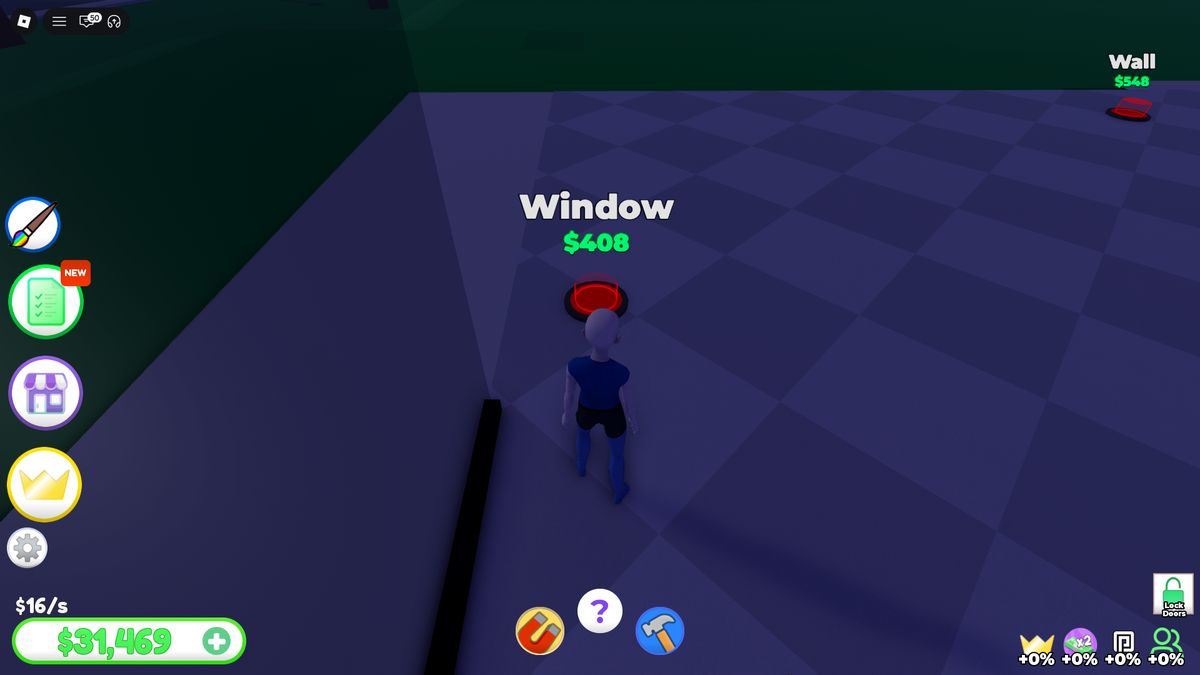
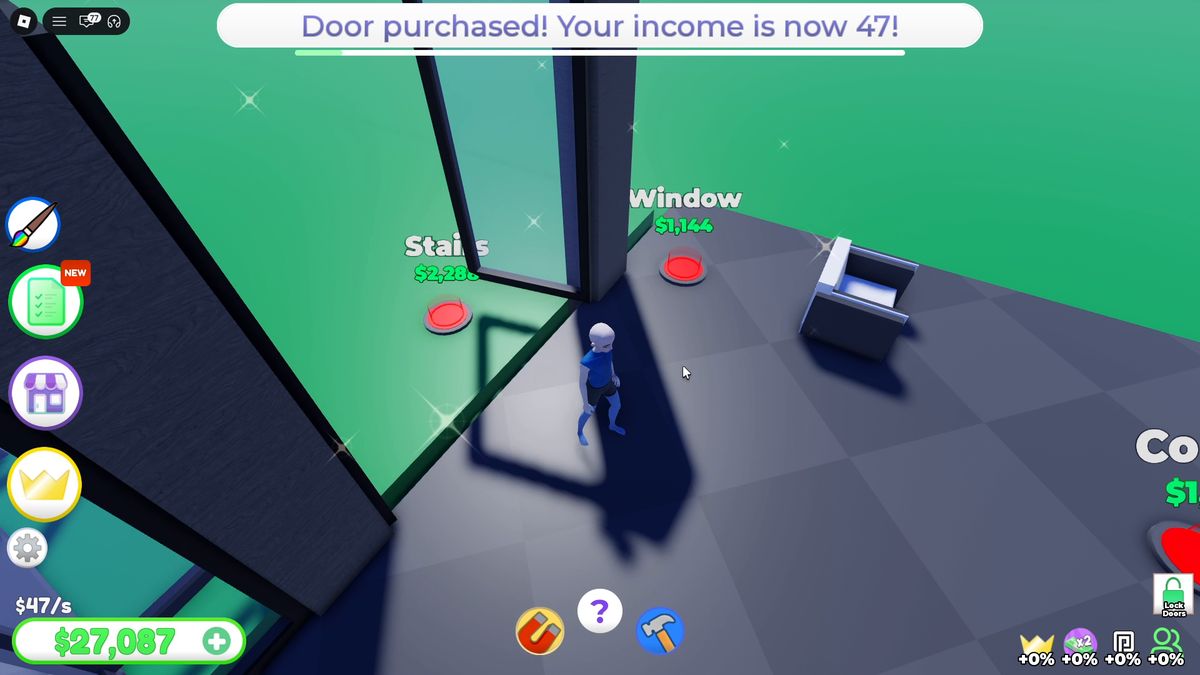
Construction nodes exist in the world and remain readable at a distance: white object name, green price, and a circular pad below the text. Pad color communicates availability. After purchase, a white capsule appears at the top with the object name, new $/s value, and a duration bar, connecting the action to its economic result.
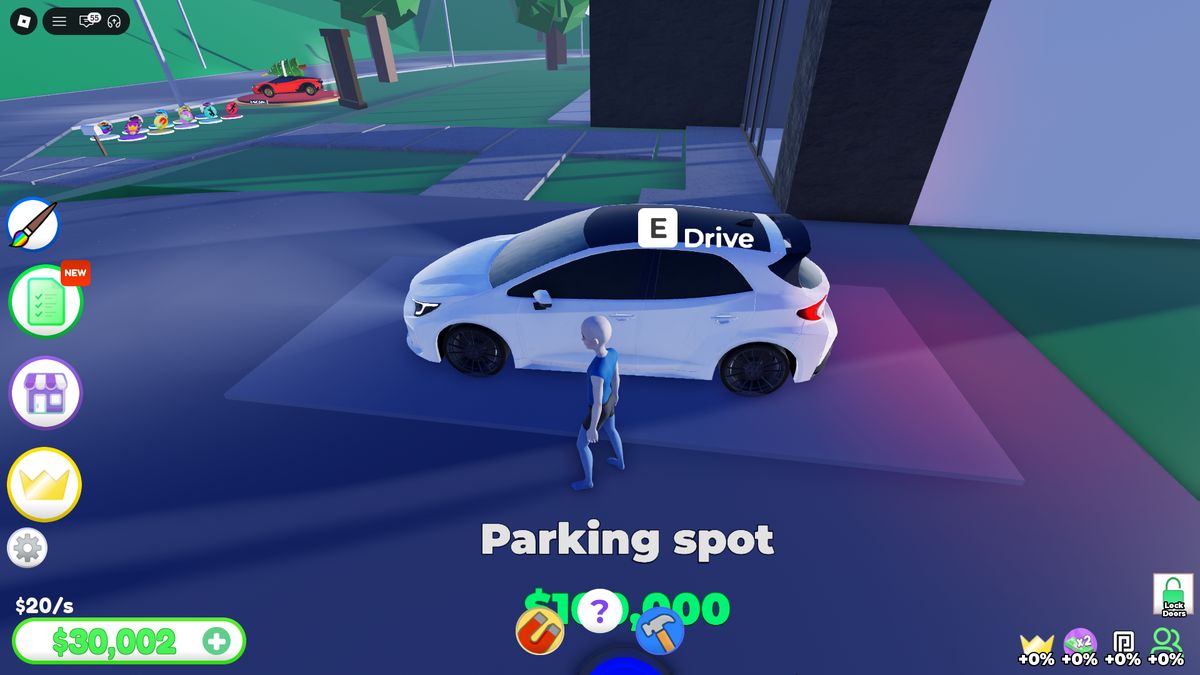
Interactive objects use a Roblox prompt: a large E or F key, object name, and action. Examples include Sink / Wash hands, Couch / Sit, Light switch / Turn off, and Drive.
SFX, VFX, and Animation
Feedback is tied to specific actions so the result is readable without additional explanation.
Construction and Economy
Standard node purchase
VFX: the object or its parts scale up from a small size and assemble in place. SFX: short confirmation sound. UI: banner with the new income and a duration bar.
Door purchase
Animation: the door immediately performs an automatic opening. VFX: after placement, its outline briefly glows gold and sparks appear around it.
Room completion
VFX: multicolored confetti fills the room. Lighting: the completed area receives final lighting; the bathroom and bowling room visibly change brightness.
Mailbox collection
SFX: cash-register sound. UI: the mailbox amount resets and the bottom-left balance increases in one transfer.
Interactive Objects
Sink / Wash hands
Input: E. Animation: the character moves into position at the sink. SFX: short interaction sound. Currency and income do not change.
Couch / Sit
Input: E. Animation: the character attaches to the seat and enters a sitting pose. There is no economic result.
Light switch
Input: F. State: Turn off / Turn on. Room lighting changes, and the prompt label updates to the next action.
Bowling / Tennis
These areas provide a large visual result and props. Bowling Alley and Court function as display zones in the house without a separate sports minigame.
Vehicle and Navigation
Spawn
An owned vehicle appears on the selected Parking Spot. Its card remains the repeat-spawn point.
Drive / Exit
E moves the character between on-foot and driving states. The HUD changes to speed, gear, colors, and vehicle actions.
Driving
Movement is accompanied by an engine sound; speed updates visually and the gear changes beside the speedometer. Horn has a separate short signal.
Landmarks
Player portraits float above plots and remain visible from the road. GO TO returns the player home after exiting the vehicle.
Implementation Specification and Takeaways
The minimum system set required to reproduce the game structure and maintain its pace.
Project Logic
- PlotService assigns a plot, loads its state, and creates only purchased objects.
- PurchaseGraph stores parent, price, incomeDelta, completionWeight, transform, and child nodes for each node. Purchases are validated on the server.
- IncomePool adds the current incomePerSecond to the mailbox accumulator every second; Collect transfers the pool into cash.
- LocationProgress sums purchased-node weights, updates the percentage, and unlocks the next location at 100%.
- Automation manages Auto Collect and Auto Build independently. Auto Build selects an available node by order and does not deduct cash when the balance is insufficient.
- VehicleInventory stores owned cars, selected Parking Spot, color, and VIP options. Spawn removes the player’s previous vehicle.
- AccessState stores Lock Doors and checks ownership during construction on another player’s plot.
- SaveData stores cash, income, purchased node IDs, progress, cars, cosmetics, settings, and the daily streak.
What to Take
Construction button graph
Every purchase unlocks specific child nodes. The player always sees the nearest available target, while the team can balance branches independently.
Purchase → new $/s
After every node, show the object, sound, new income, and next route. The increase must be readable within one second.
Physical cash accumulator
The mailbox creates a route through the constructed house and explains Auto Collect naturally. The path should remain short before the first major expansion.
Local completion within 100%
Complete rooms with lighting and confetti. A long location progress bar needs visible wins every 8–15 purchases.
Five sequential locations
Each has its own visual identity, progress bar, and GO TO; the next unlocks only after the previous location reaches 100%.
Vehicles as a parallel collection
Provide a free first vehicle, physical parking spots, Owned/Spawn states, filters, and a free base color.
Social progress display
Place plots along a shared road, keep house visits open, and give the owner Lock Doors.
Varied daily rewards
Alternate cash, automation, a multiplier, and a collectible object. The final day should change available content rather than only the wallet value.
Functional decoration
Add simple Sit, Wash hands, and Light switch interactions. They do not change the economy, but turn the house into a space worth visiting.
Single product config
The price shown in the listing, product card, world-space pad, and purchase prompt must come from one record.
First-Session Flow
The pace alternates between three scales: a small button every few seconds, a completed room after a purchase sequence, and a new location after 100%. Vehicles and plot visits fill the pauses while the mailbox accumulates the next amount.